
How to Resize a Photo on iPhone Shrink a photo to the pixel size you need
“Images must be no wider than 1000 px.” “Thumbnails should be 500 px wide.” Websites and upload forms often ask for an image at specific pixel dimensions.
This page explains how to resize a photo on iPhone, and the steps for setting exact pixels with Image Resizer.

When to resize a photo
- Making images for a website or blog the same size
- An upload form or service asks for specific pixel dimensions
- You need a small image for an icon or thumbnail
- A photo is too large and you want a more manageable size
Ways to resize on iPhone
Use the Shortcuts app
The Shortcuts app on iPhone has an action for resizing an image. It needs no extra app, but you have to build a shortcut yourself.
Use an app that takes pixel values
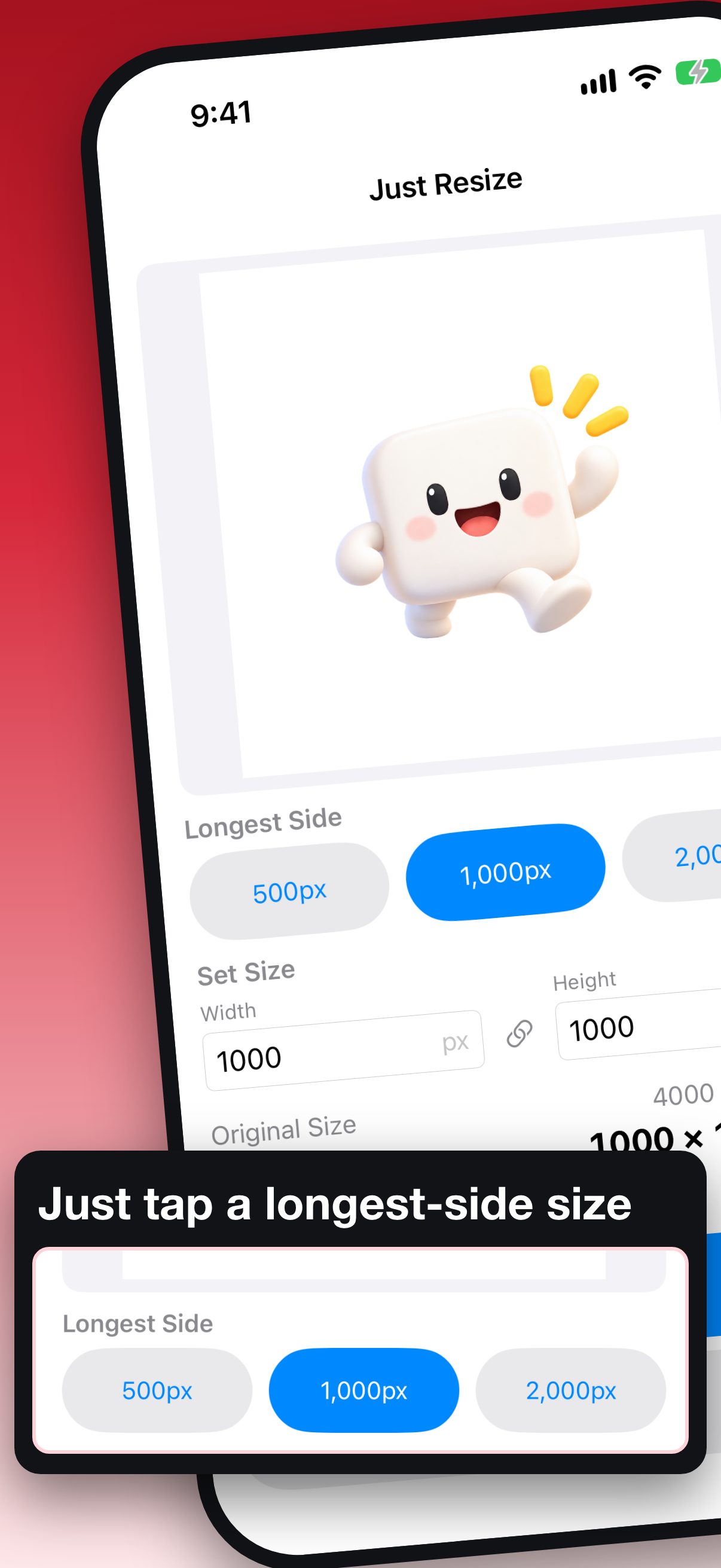
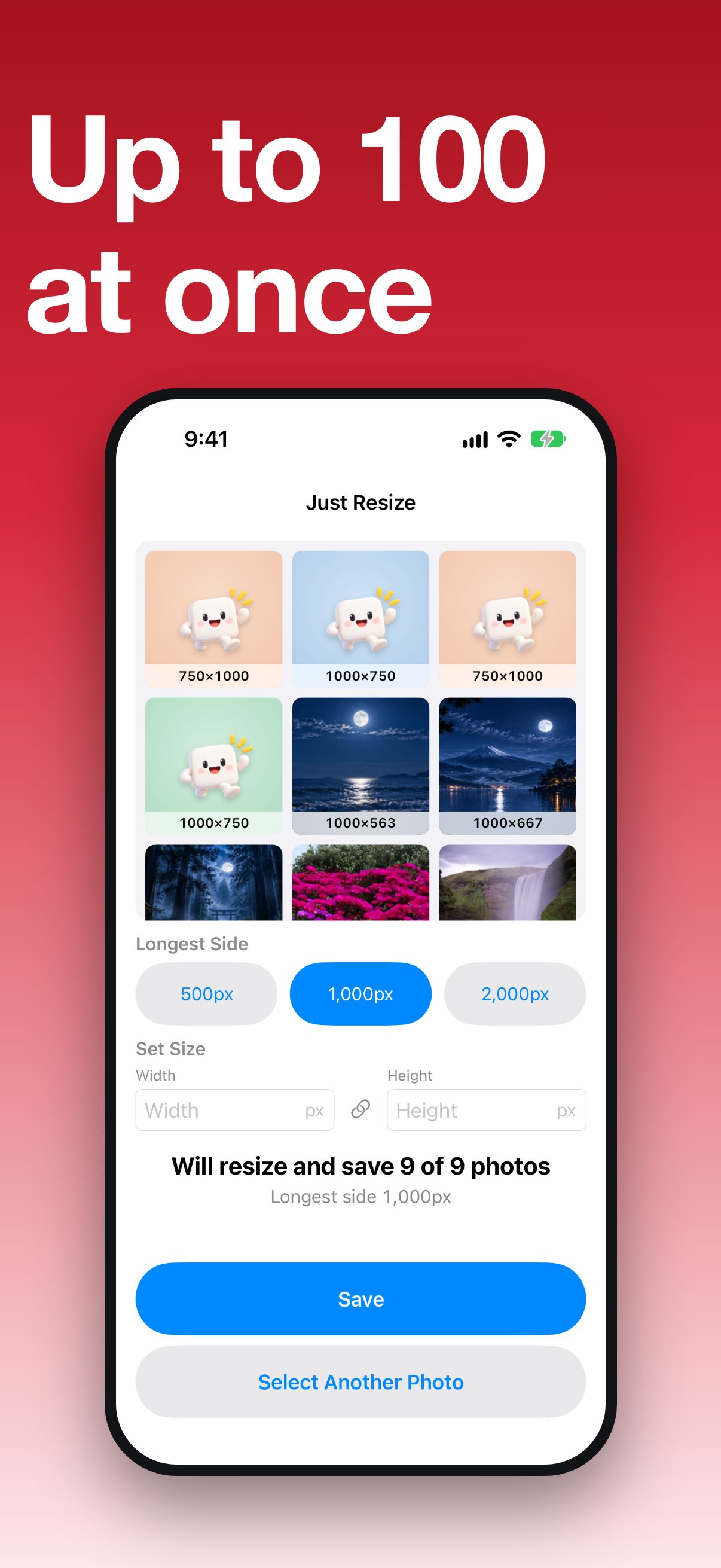
If you’d rather just tap or type a number, a dedicated app is quicker. Image Resizer is an app that makes a photo smaller while keeping its aspect ratio: tap a size for the longest side, or enter a width or height.
Step by step
Open Image Resizer and tap “Select Photo”
Its “Original Size” is shown in pixels.
Under “Longest Side”, tap 500px, 1000px, or 2000px
Only the size changes; the aspect ratio stays the same.
For any other size, enter a width or height under “Set Size”
The other side is set automatically to match the aspect ratio.
Check the “Original Size” and “New Size”
Tap “Save”
Your original photo stays as it is; the result is saved as a new photo.

Good to know
What “longest side” means
It’s whichever is longer, the width or the height. With a longest side of 1000 px, a landscape photo becomes 1000 px wide and a portrait photo becomes 1000 px tall.
Dimensions and file size are different things
Dimensions are the width and height in pixels. File size is how heavy the file is, in KB or MB. If you’re given a file size limit, such as under 1 MB, Photo Compressor is the better fit.
Questions
Do I need to enter both the width and the height?
No. Enter either one and the other is set automatically to keep the aspect ratio. You can also tap 500px, 1000px, or 2000px under “Longest Side”.
Can I make a photo larger than the original?
No. Image Resizer makes photos smaller; it can’t make them larger than the original.
How much does it cost?
$3.00 as a one-time purchase. There are no ads, subscriptions, or in-app purchases.
Which devices are supported?
It works on iPhone and iPad and Mac, running iOS 17.6 or later, macOS 14.6 or later.
Guides for other edits

Image Resizer: Photo Size
Just tap a size to make your photo smaller.
View on the App Store(external site)Prices shown are from the US App Store and may vary by country.