
Photo Resizer Resize Images Change the width and height of any photo
Enter a width and height in pixels, or tap a preset for the longest side: 500, 1000, or 2000 px.

No ads. No in-app purchases.
- Price
- $0.99 (one-time purchase)
- Devices
- iPhone
- Category
- Photo & Video
- Privacy
- Data Not Collected
What it does
Exact pixel sizes
Enter any width and height to get the dimensions you need.
Resize by longest side
One-tap presets for 500, 1000, and 2000 px.
Before and after
See the original and new dimensions side by side.
Save to Photos
Your resized image is ready to use anywhere.
Good for
- Making a large photo smaller for the web or email
- Meeting a required size, like 1000 px wide
- Preparing thumbnails or profile images
- Matching the image rules of an upload form
Questions
How is this different from Photo Compressor?
Photo Resizer changes the pixel dimensions of an image. If you need the file to be under a certain size in KB or MB, Photo Compressor is the better fit.
How much does it cost?
$0.99 as a one-time purchase. There are no ads, subscriptions, or in-app purchases.
Which devices are supported?
It works on iPhone.
How it works
Click or tap to enlarge
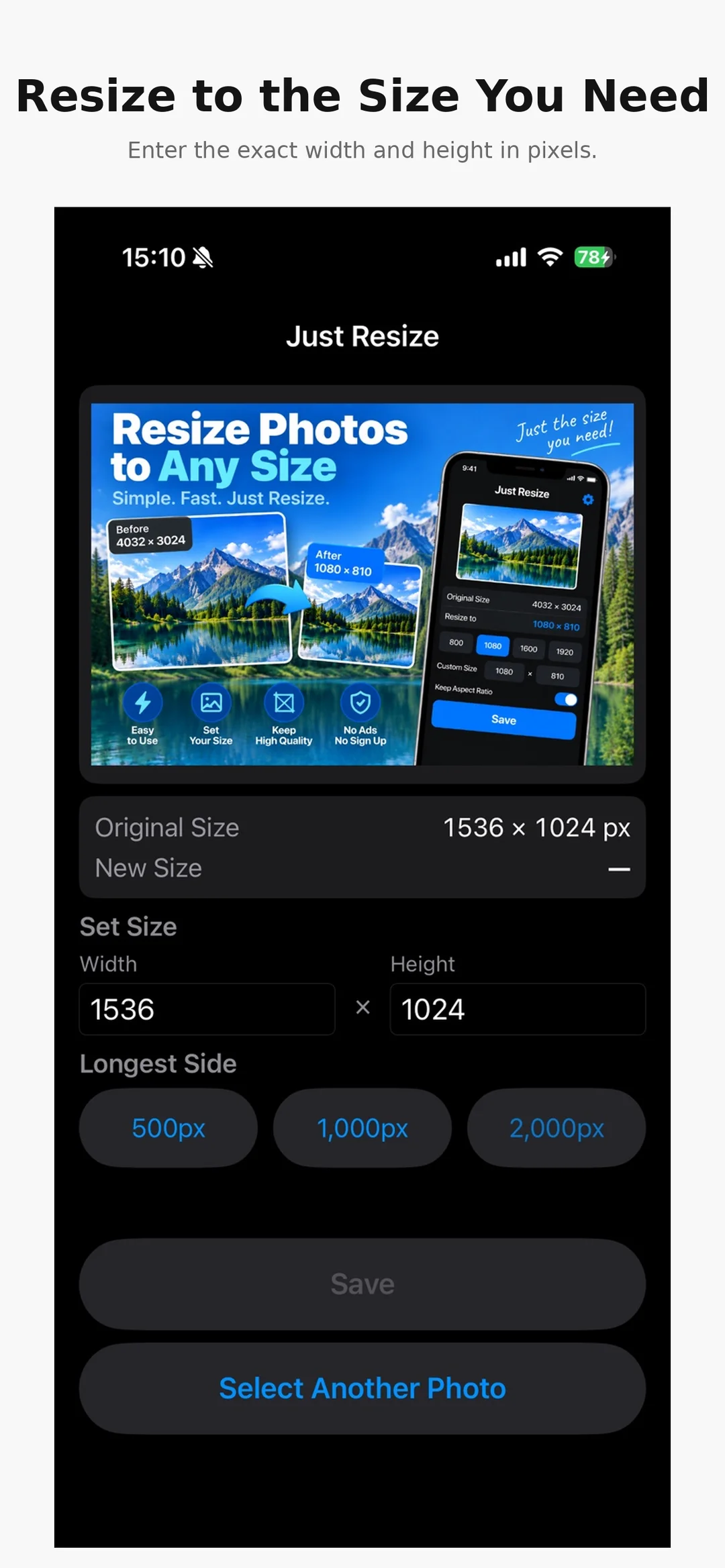
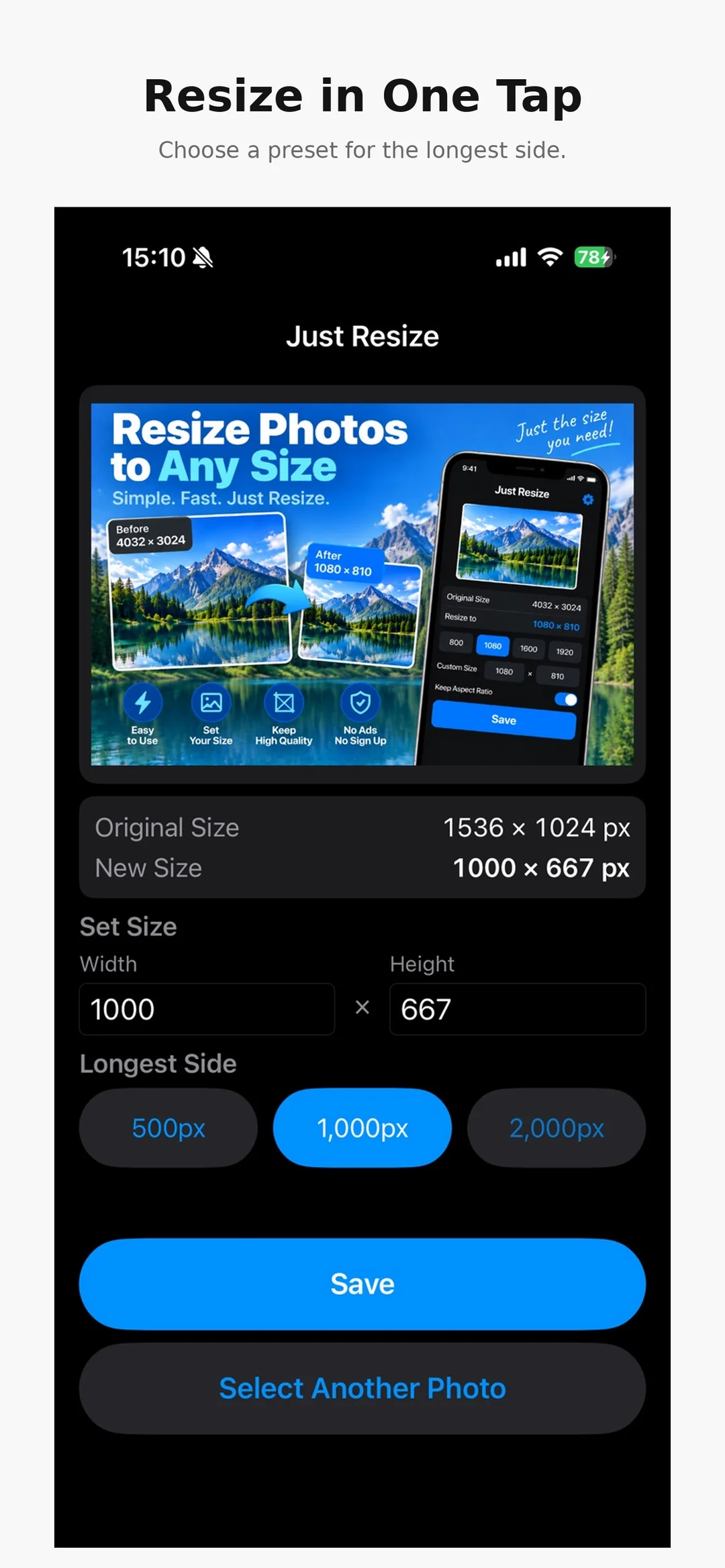
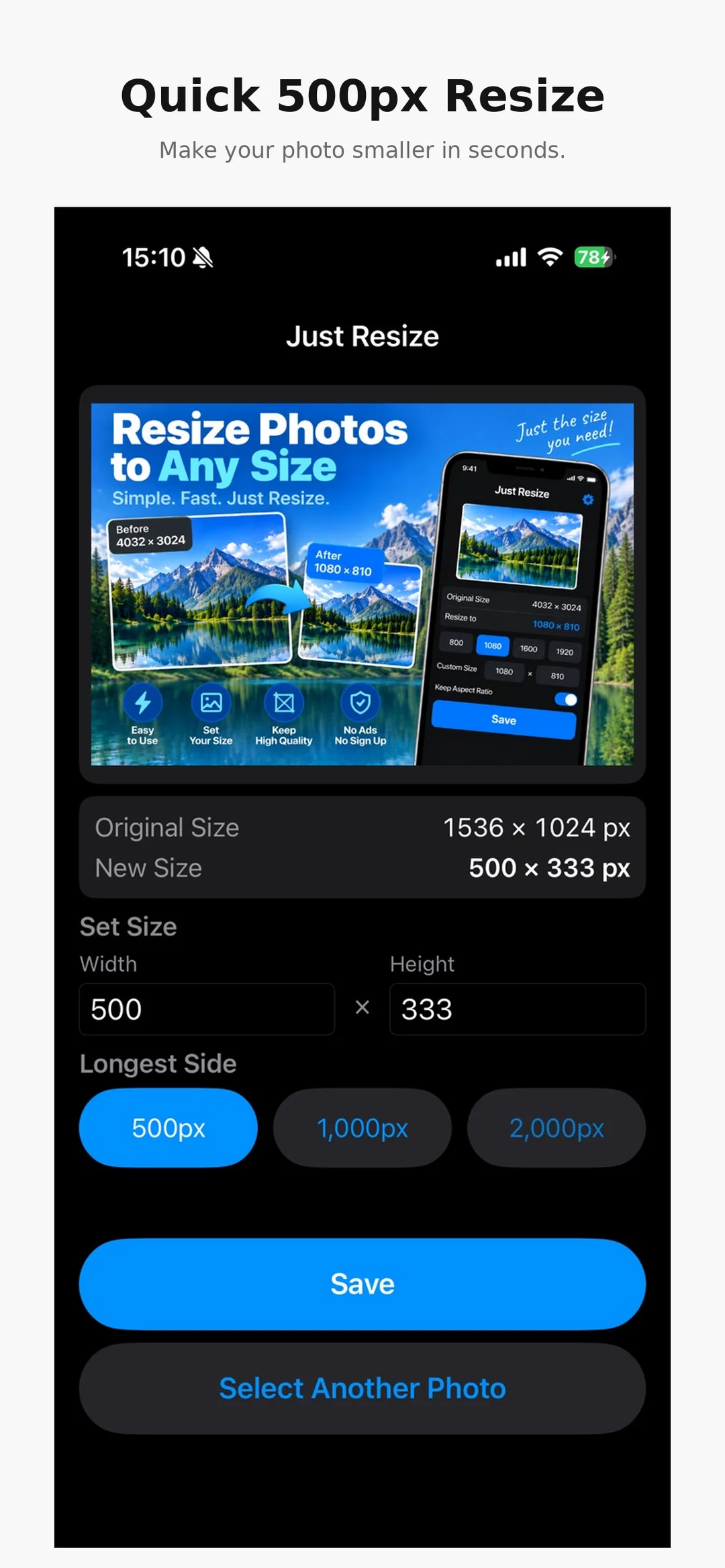
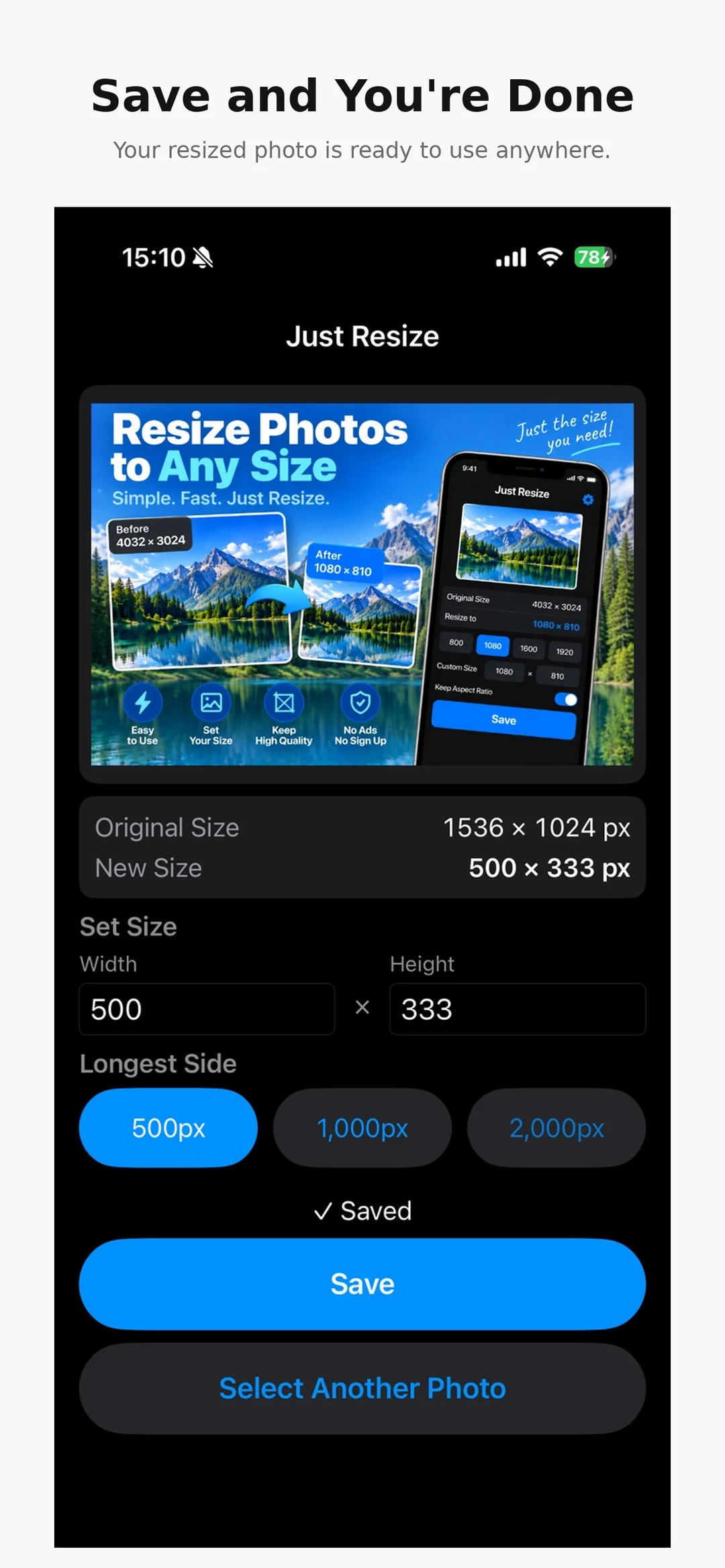

Photo Resizer Resize Images
Set the size you need, then save.
View on the App Store(external site)Prices shown are from the US App Store and may vary by country.


