Just Long Screenshot Capture a whole scrolling page in one image
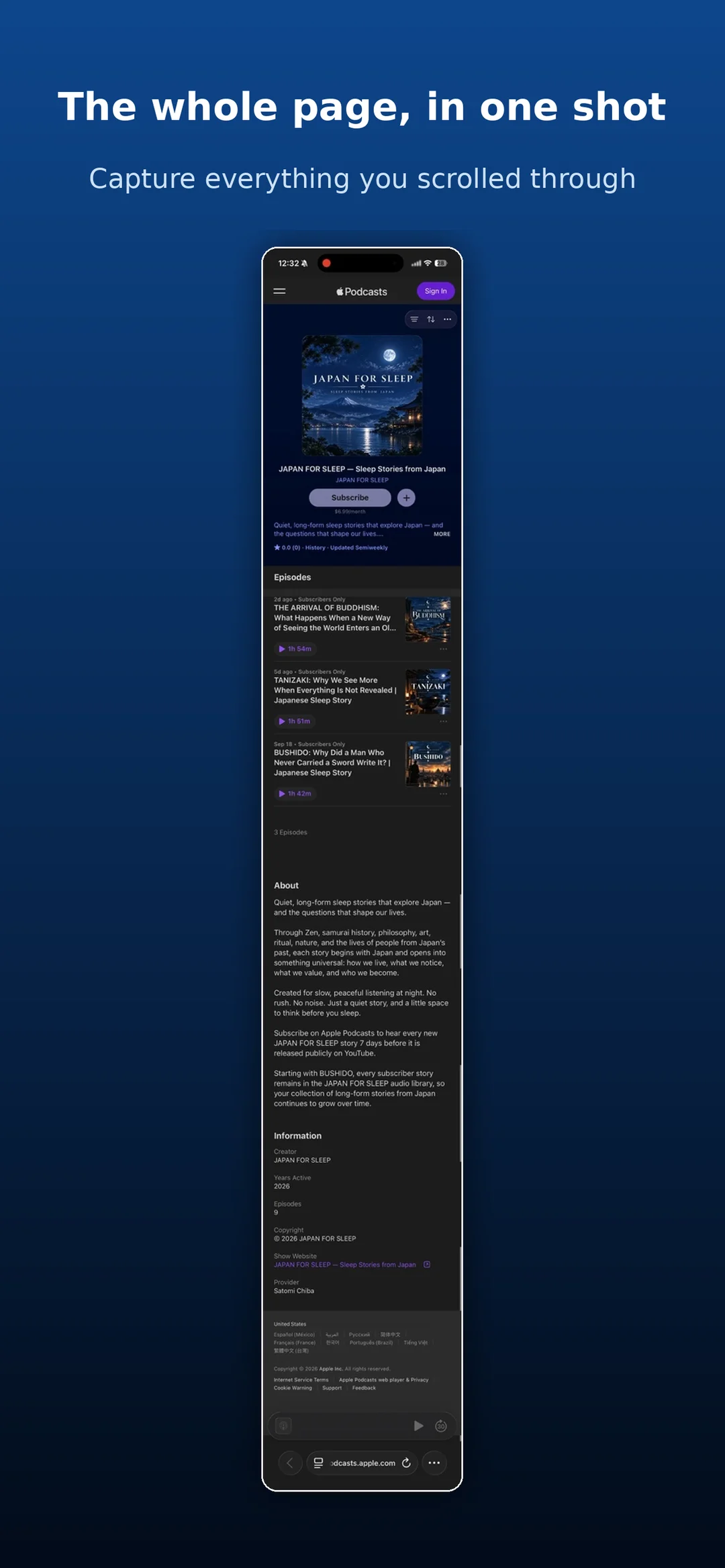
Start a screen recording, scroll the page from top to bottom, then choose the recording. The app turns everything you scrolled through into a single long screenshot.
Coming soon to the App Store
No ads. No in-app purchases.
What it does
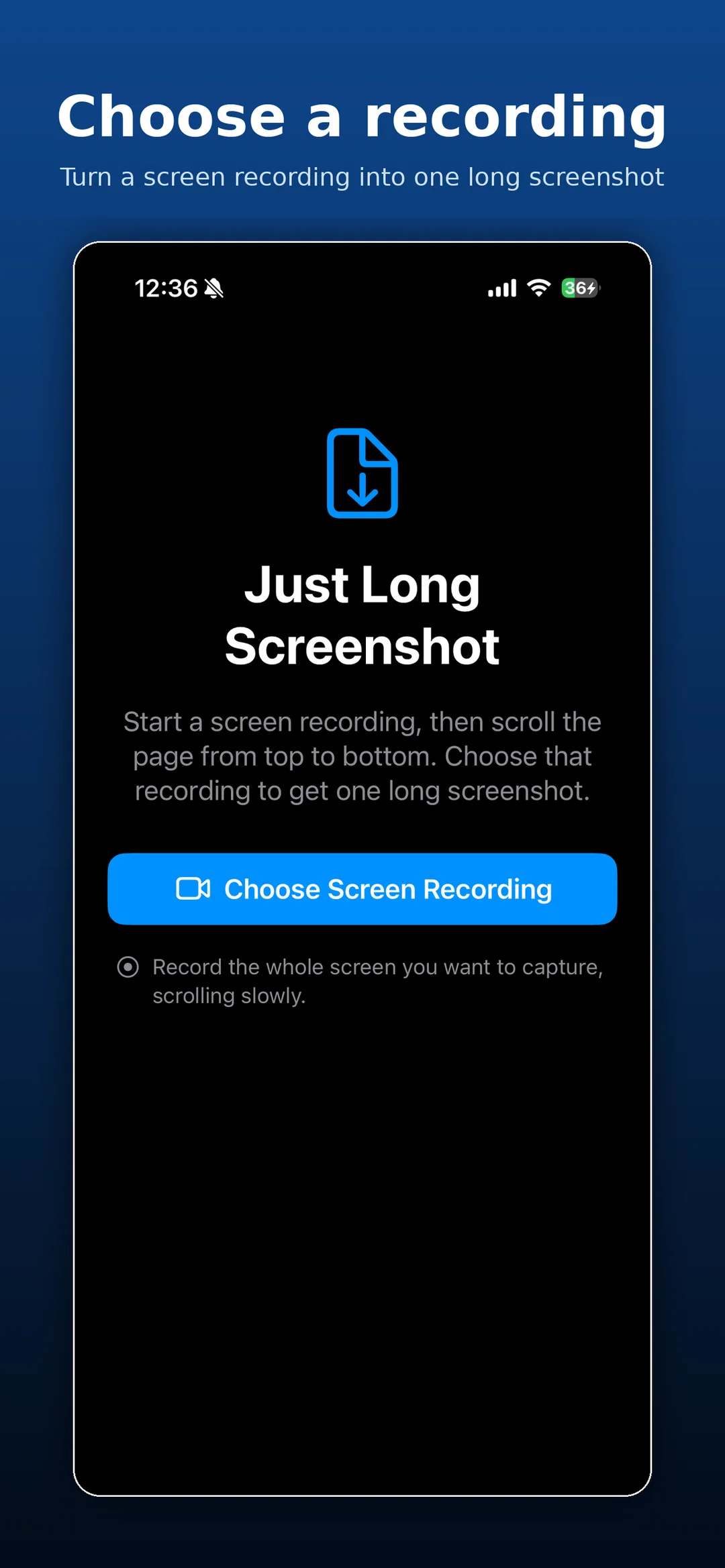
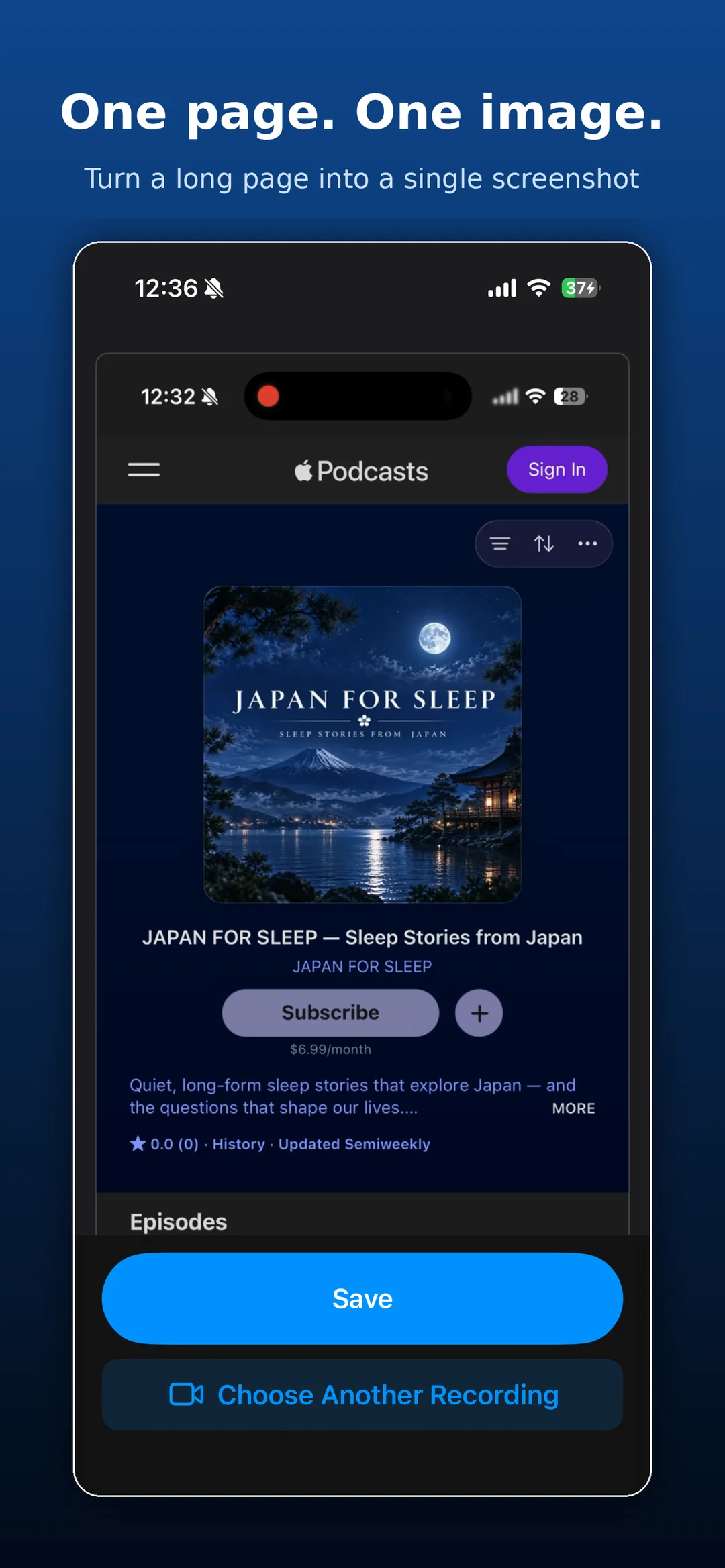
Choose a recording
Create a long screenshot from a screen recording of a scrolling page.
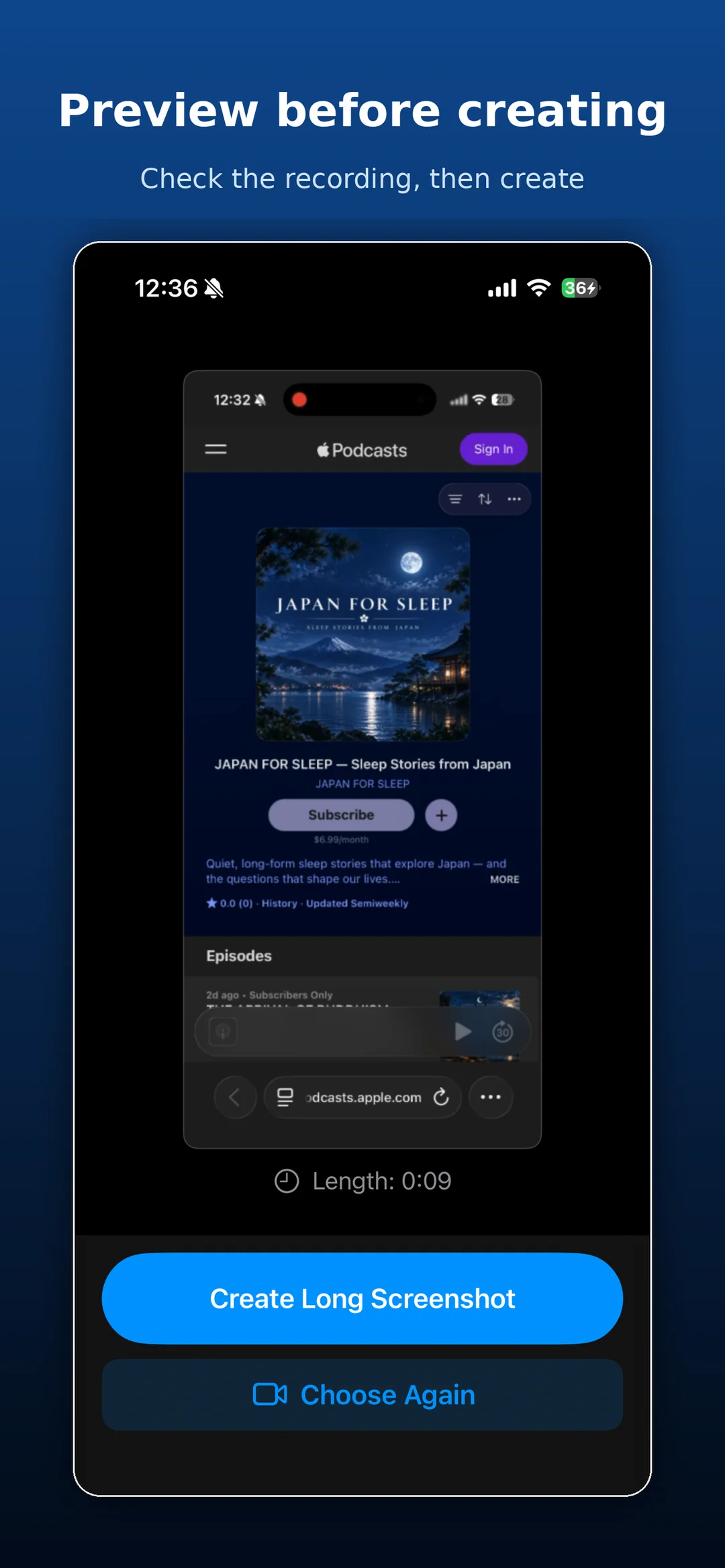
Preview first
Play back the recording, and choose again if needed.
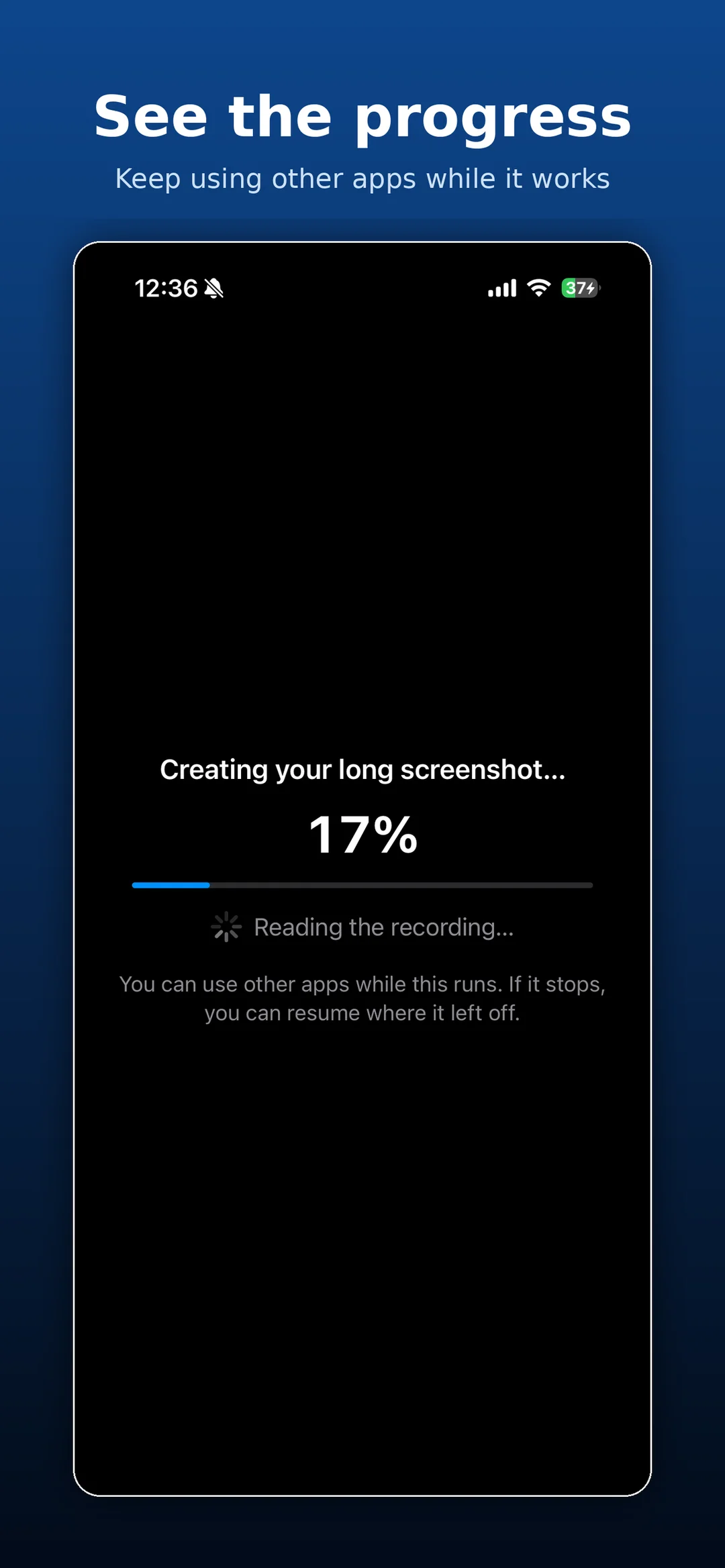
See the progress
Progress is shown as a percentage, and you can use other apps while it works.
Pick up where it left off
If processing stops, you can resume from where it paused.
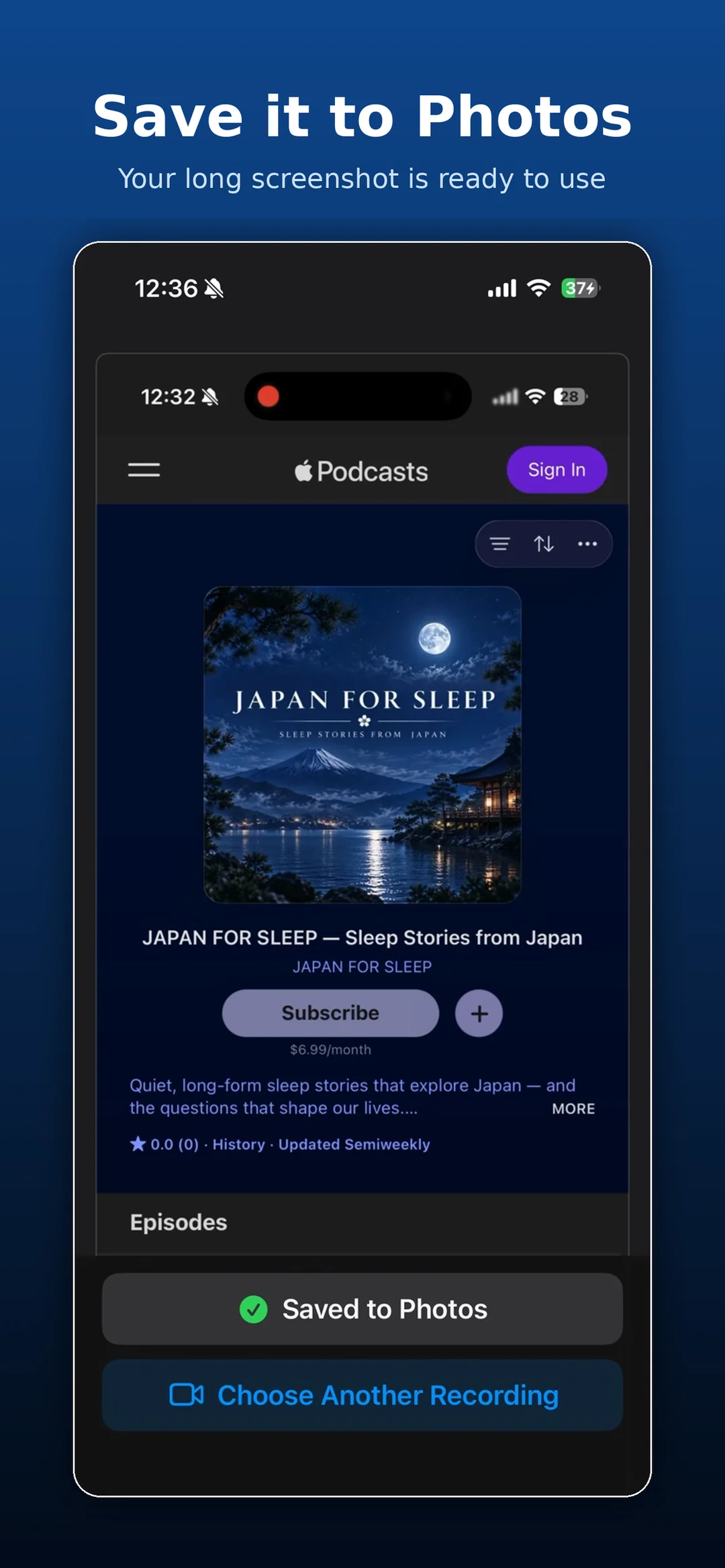
Save to Photos
Your long screenshot is ready to use.
Good for
- Saving an entire web page as one image
- Keeping a long chat conversation in a single screenshot
- Skipping the work of taking and combining many screenshots
Questions
How do I make a long screenshot?
Start a screen recording and slowly scroll through the page from top to bottom. Then choose that recording in the app and tap Create Long Screenshot.
When will it be available?
The app is being prepared for release on the App Store. Once it’s available, you’ll be able to get it from this page.
How it works
Click or tap to enlarge

Just Long Screenshot
Pick a recording. Get one long screenshot.
This app is being prepared for release on the App Store.


