Just Later Save web pages to come back to later
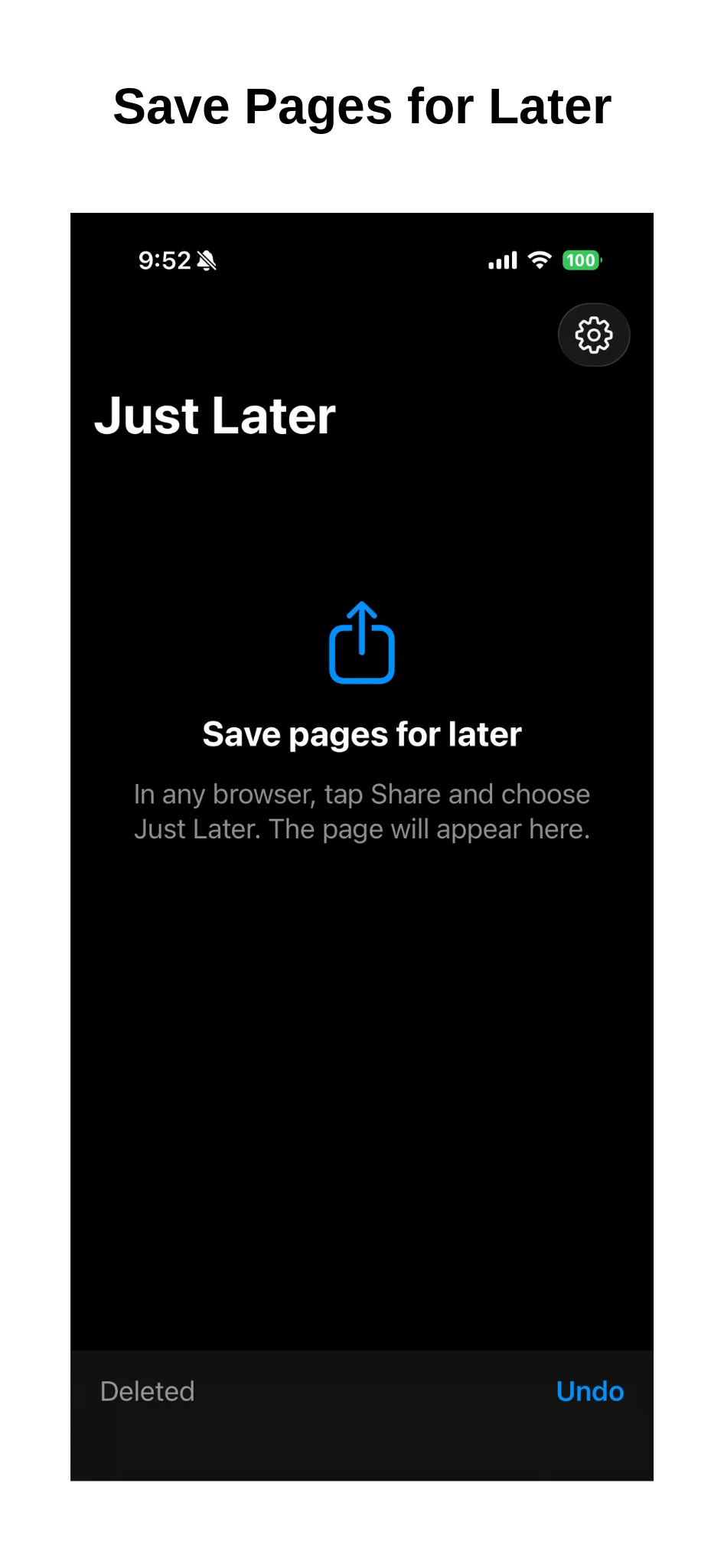
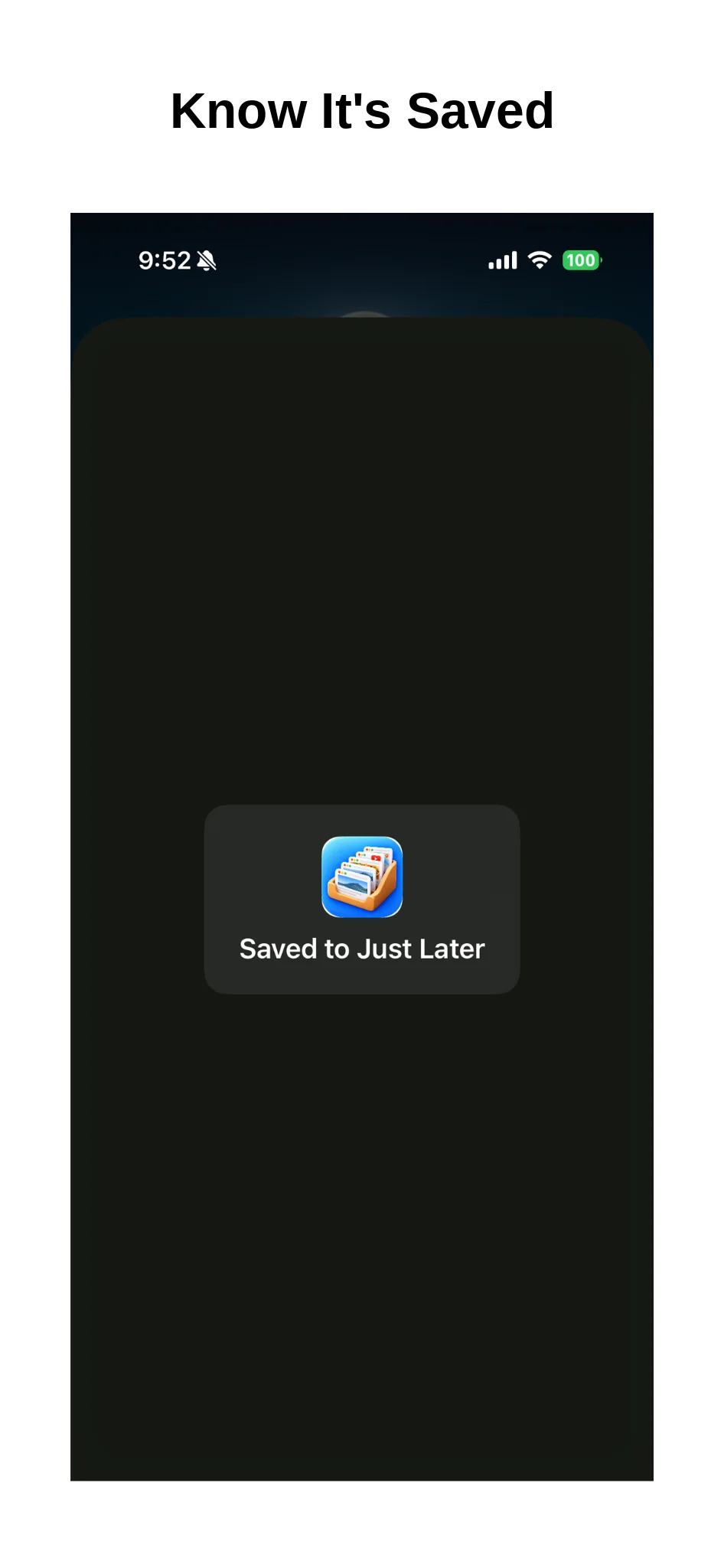
In any browser, tap Share and choose Just Later. Pages you want to come back to are kept in one list, grouped by the day you saved them.
Coming soon to the App Store
No ads. No in-app purchases.
What it does
Save from Share
In your browser, tap Share and choose Just Later to save the page.
Grouped by day
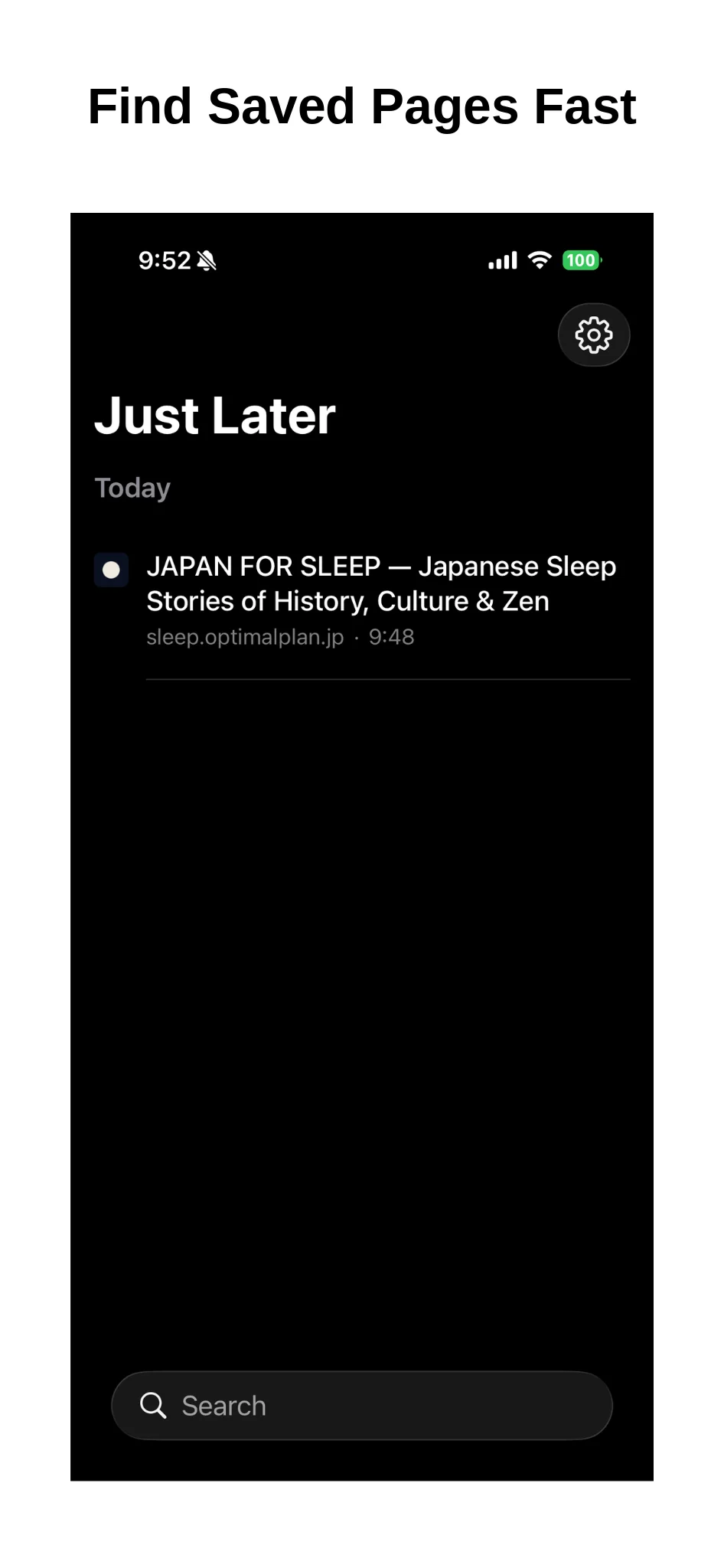
Pages are listed newest first under Today, Yesterday, and earlier dates. Tap one to open it.
Search
Find saved pages by title or web address.
Auto-Delete
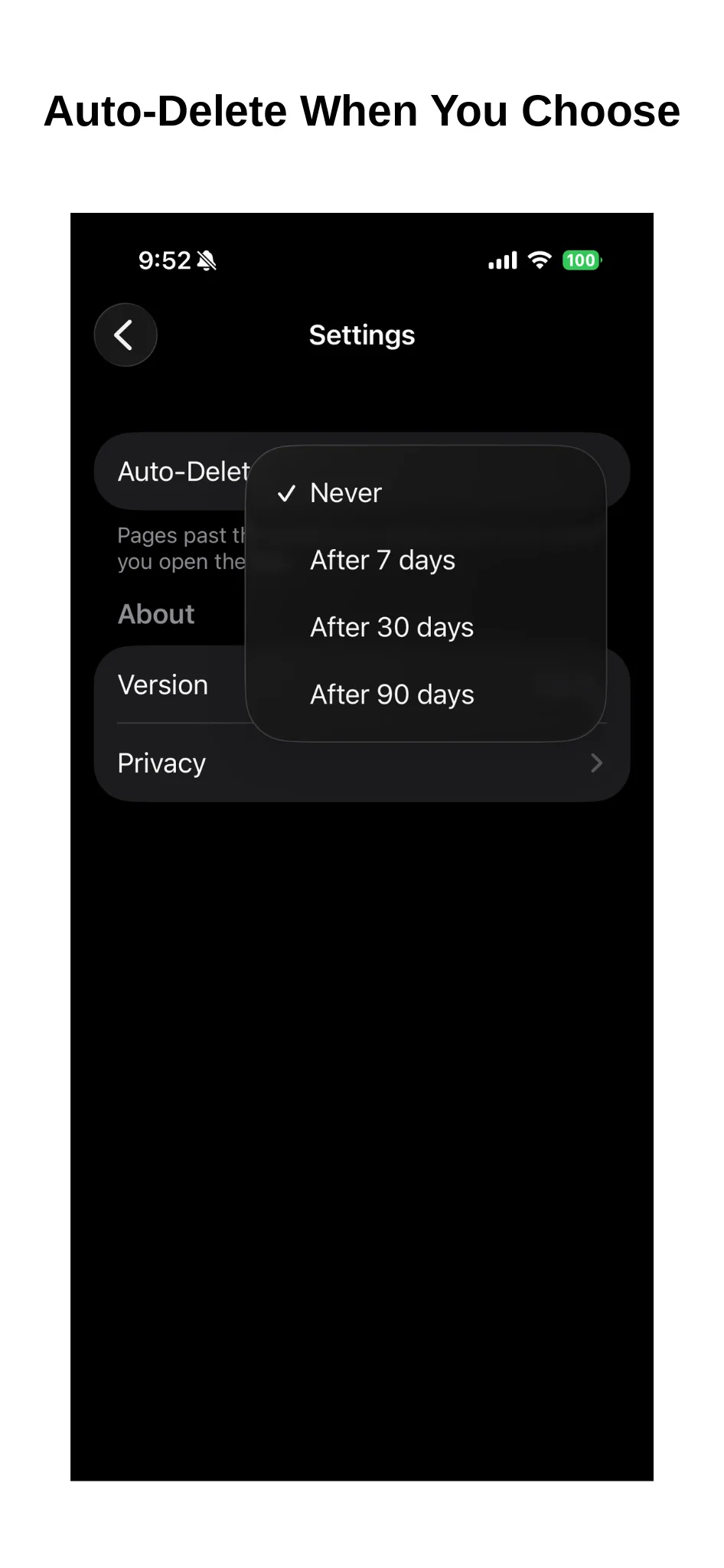
Choose 7, 30, or 90 days, and older pages are removed automatically.
Undo
Deleted a page by mistake? Tap Undo to bring it back.
Good for
- Saving an article to read when you have more time
- Setting aside pages you find while researching something
- Closing browser tabs without losing the pages
- Keeping pages for a while without adding bookmarks
Questions
How do I save a page?
Open the page in your browser, tap Share, and choose Just Later. The page will appear in the app’s list.
Where are my saved pages stored?
Only on your iPhone. There’s no account or server, and your saved pages are never sent to the developer or any other service. To show site icons, the app connects only to the saved site itself.
When will it be available?
The app is being prepared for release on the App Store. Once it’s available, you’ll be able to get it from this page.
How it works
Click or tap to enlarge

Just Later
Save pages for later from the Share button.
This app is being prepared for release on the App Store.


