Photo Mosaic Blur Images Hide faces and private details in photos
Trace over anything you want to hide—faces, names, addresses—and it’s covered with a mosaic. Then save.

No ads. No in-app purchases.
- Price
- $0.99 (one-time purchase)
- Devices
- iPhone
- Requires
- iOS 17.6 or later
- Category
- Photo & Video
- Privacy
- Data Not Collected
What it does
Trace to hide
Only the areas you trace with your finger are covered.
Mosaic size
Adjust how coarse the mosaic looks.
Brush size
Cover large areas or small lines of text.
Pinch to zoom
Zoom in for precise, detailed edits.
Undo
Step back when you go too far.
Good for
- Hiding faces before posting a photo
- Covering names or account details in a screenshot
- Hiding an address or license plate
- Removing private details before sending a photo
Questions
Can I hide just a small line of text?
Yes. Pinch to zoom in and use a smaller brush to cover only what you need.
How much does it cost?
$0.99 as a one-time purchase. There are no ads, subscriptions, or in-app purchases.
Which devices are supported?
It works on iPhone, running iOS 17.6 or later.
How it works
Click or tap to enlarge
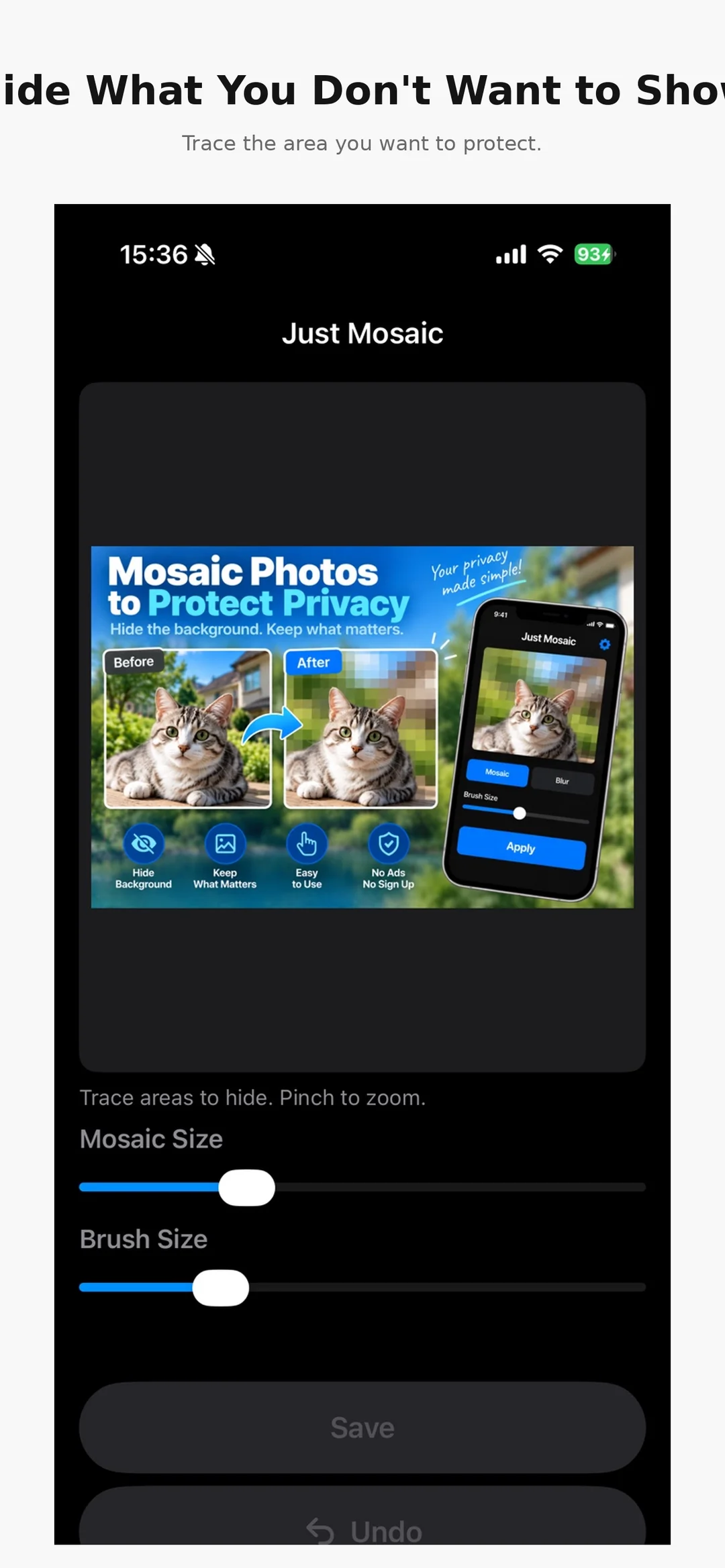
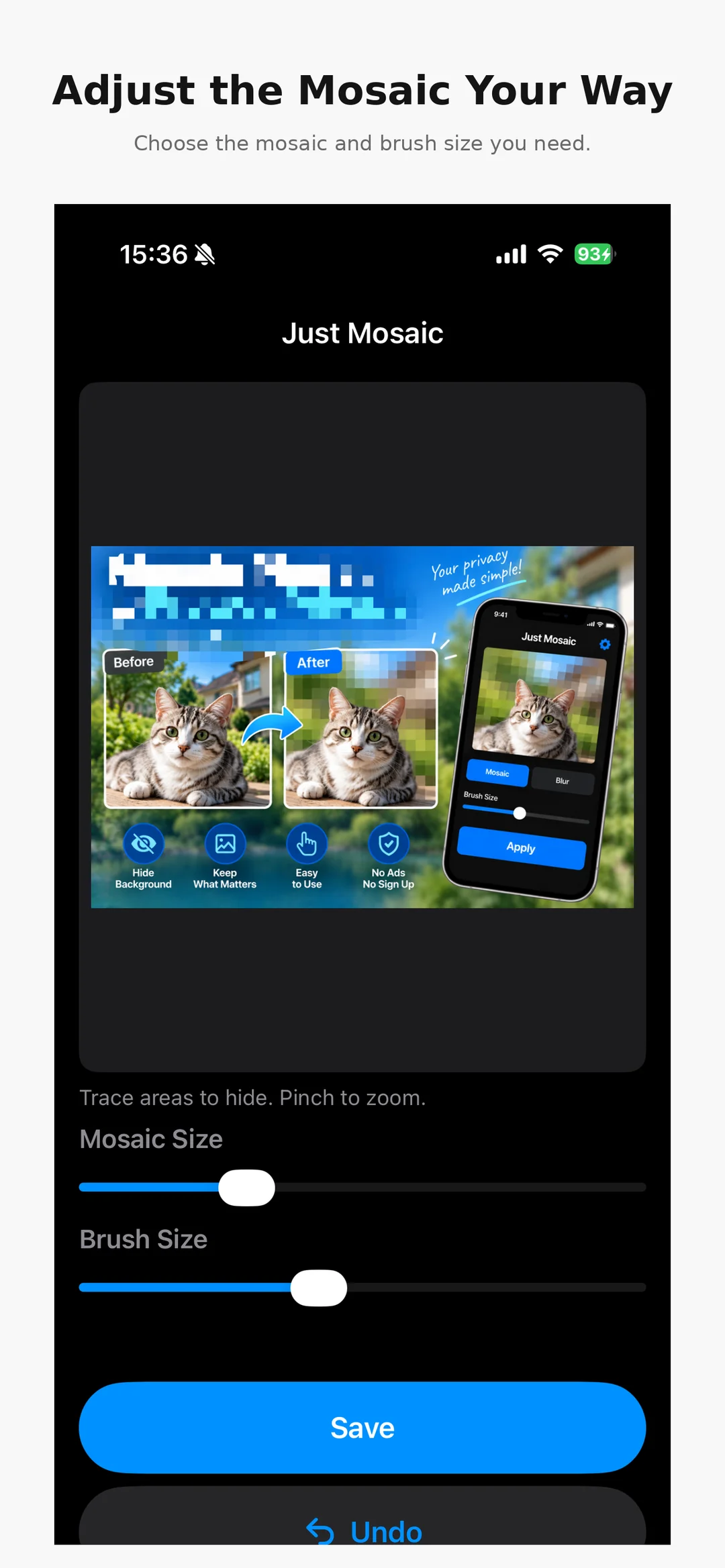
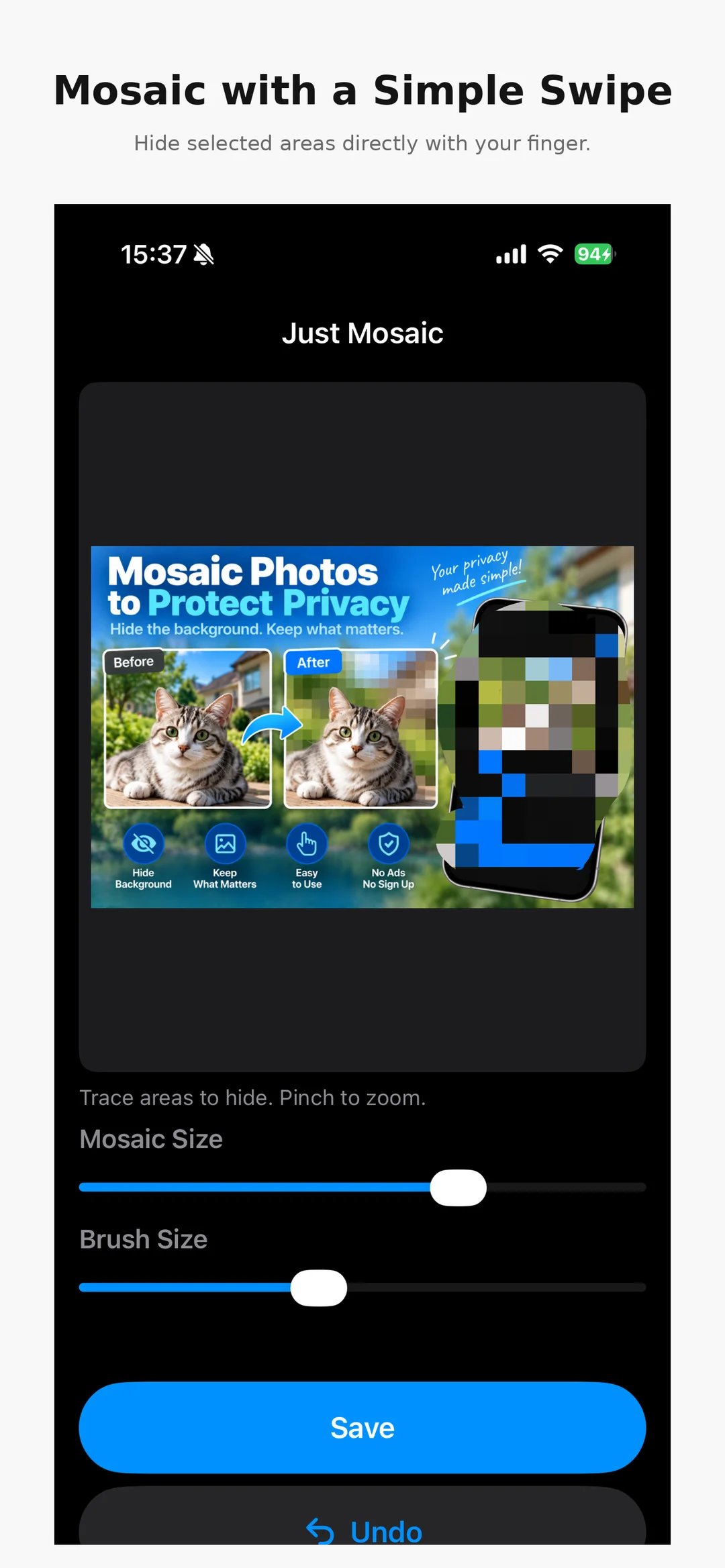
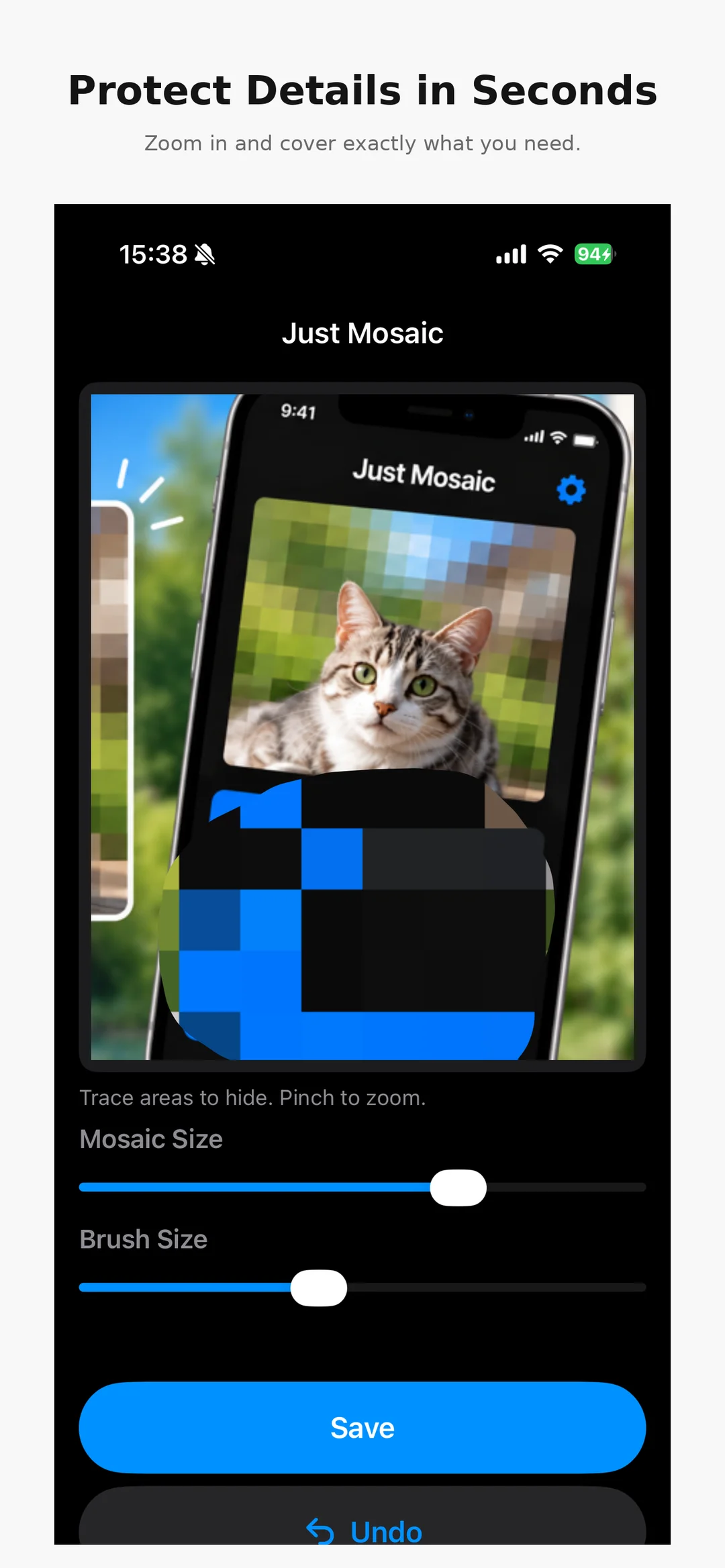

Photo Mosaic Blur Images
Hide what you need to, right away.
View on the App Store(external site)Prices shown are from the US App Store and may vary by country.


