
Photo Joiner Combine Images Join photos vertically or side by side
Select your photos, set the order, choose vertical or horizontal, and save one combined image.

No ads. No in-app purchases.
- Price
- $0.99 (one-time purchase)
- Devices
- iPhone
- Requires
- iOS 17.6 or later
- Category
- Photo & Video
- Privacy
- Data Not Collected
What it does
Many photos, one image
Combine multiple photos into a single picture.
Vertical or horizontal
Switch direction with one tap.
Reorder first
Drag photos into the order you want before joining.
Preview, then save
Check the result and save it to Photos.
Good for
- Stitching several screenshots into one tall image
- Placing before-and-after photos side by side
- Sending a set of trip photos as a single image
- Making comparison or reference images
Questions
How is this different from Just Long Screenshot?
Photo Joiner combines photos and screenshots you already have. Just Long Screenshot creates one long image from a screen recording of a scrolling page.
How much does it cost?
$0.99 as a one-time purchase. There are no ads, subscriptions, or in-app purchases.
Which devices are supported?
It works on iPhone, running iOS 17.6 or later.
How it works
Click or tap to enlarge
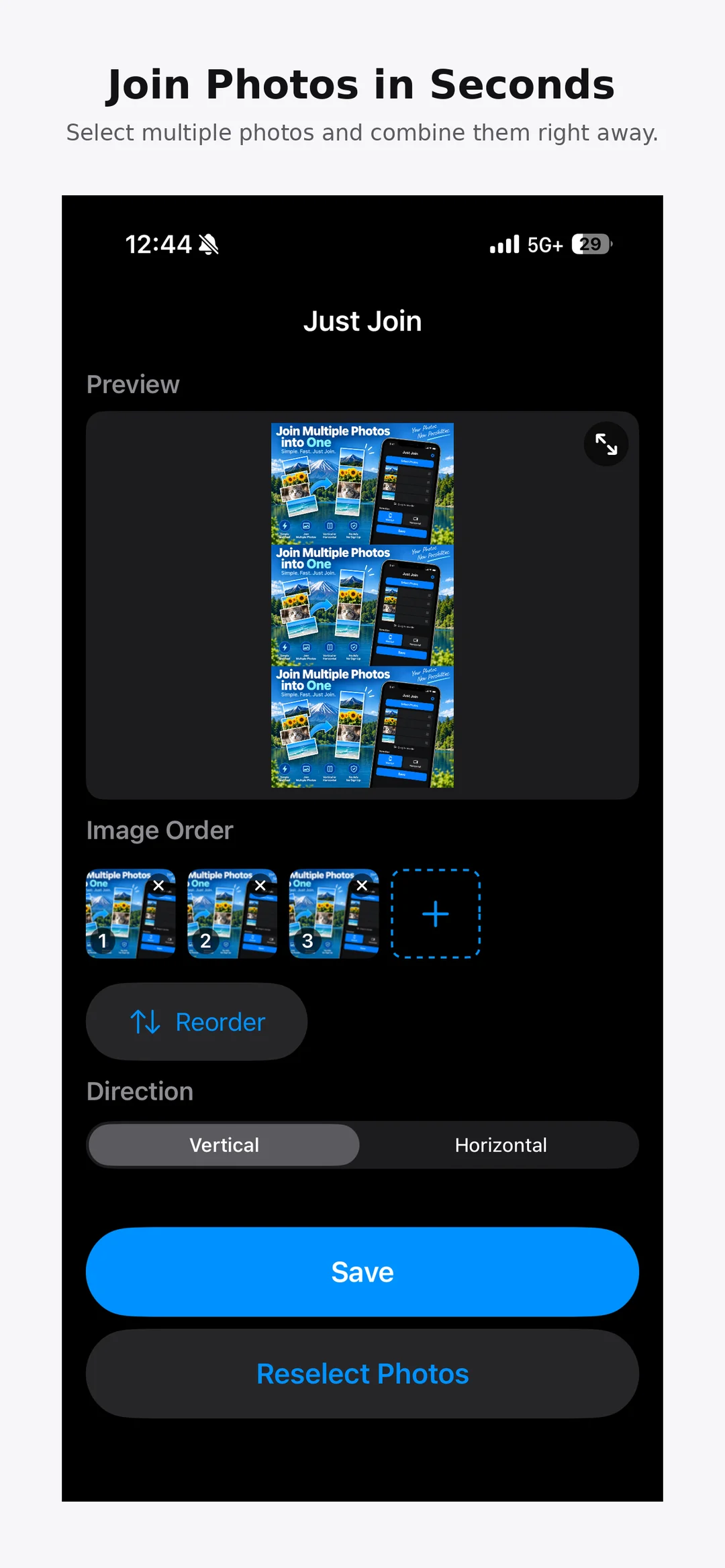

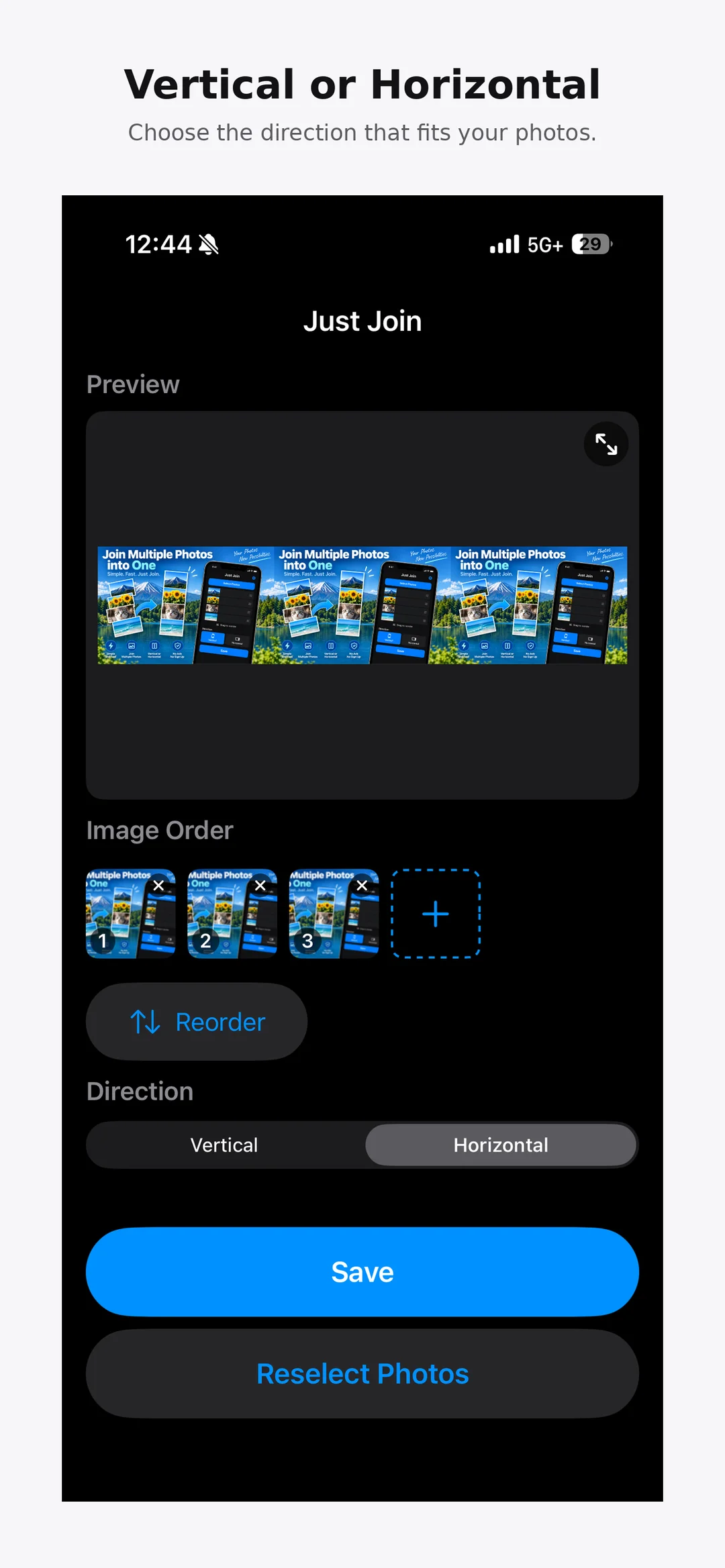
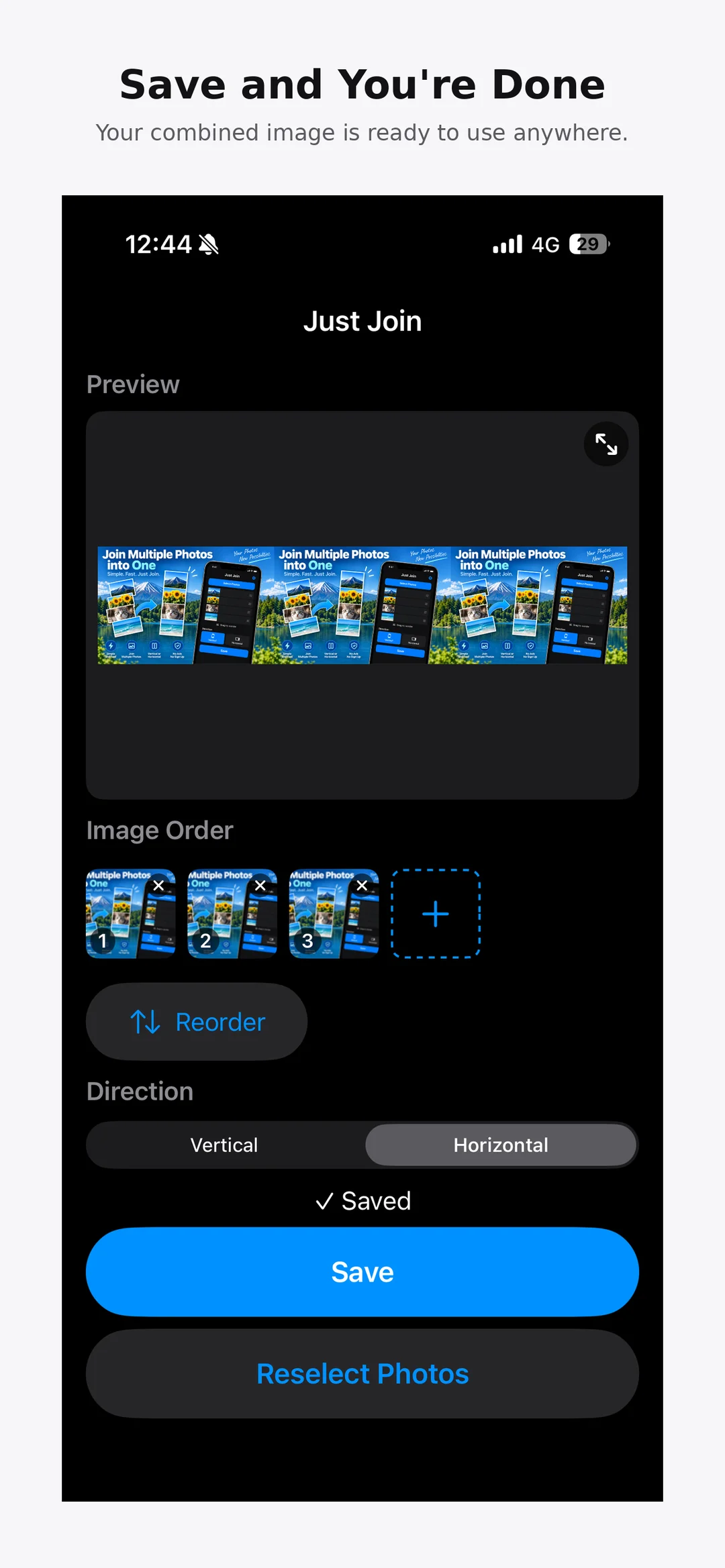

Photo Joiner Combine Images
Pick, arrange, and make it one.
View on the App Store(external site)Prices shown are from the US App Store and may vary by country.


