PDF Toolbox Edit & Manage PDFs Create, merge, split, compress, and protect PDFs
Make PDFs from photos, merge and split files, reduce file size, add a password, and rename files—without complicated menus.

No ads. No in-app purchases.
- Price
- $3.99 (one-time purchase)
- Devices
- iPhone
- Requires
- iOS 17.6 or later
- Category
- Productivity
- Privacy
- Data Not Collected
What it does
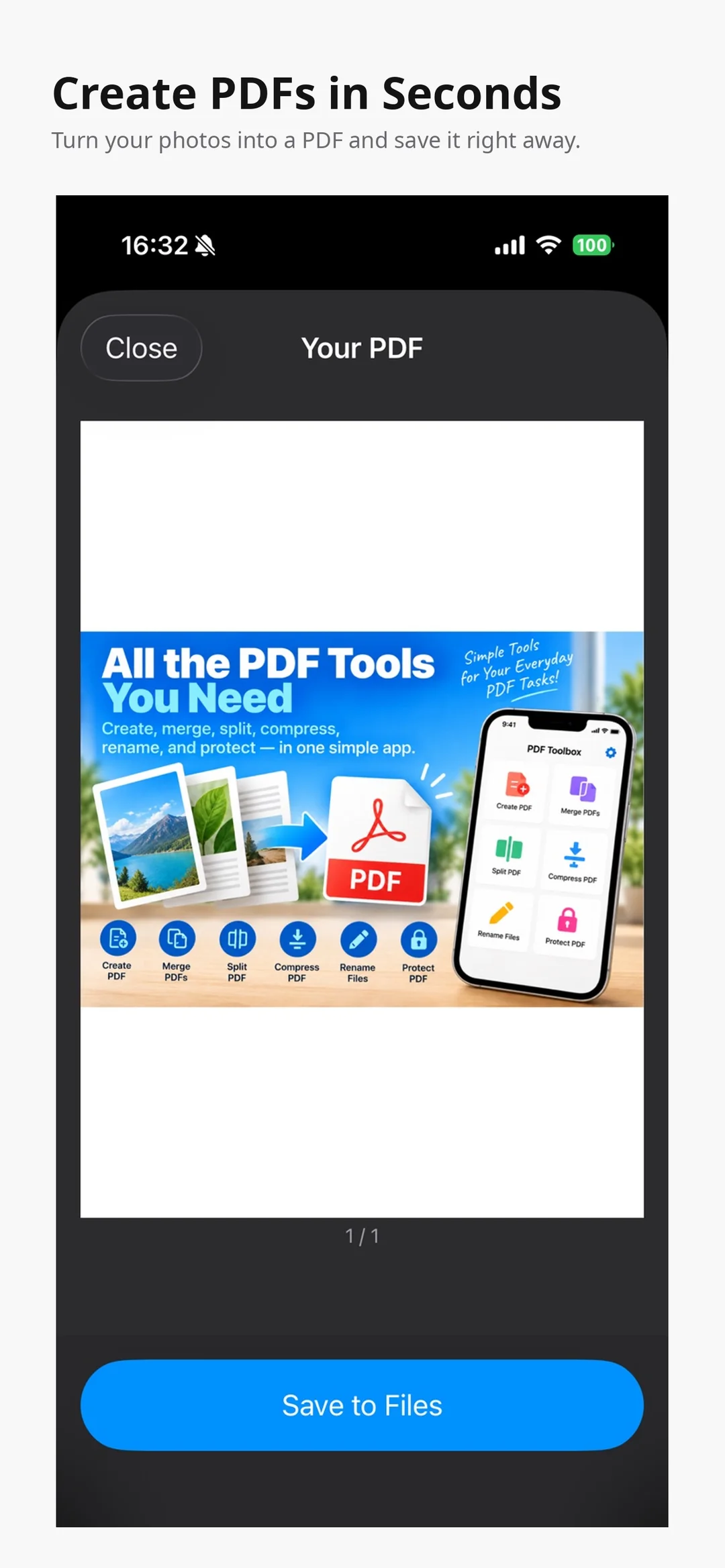
Create PDF
Turn selected photos and images into a PDF.
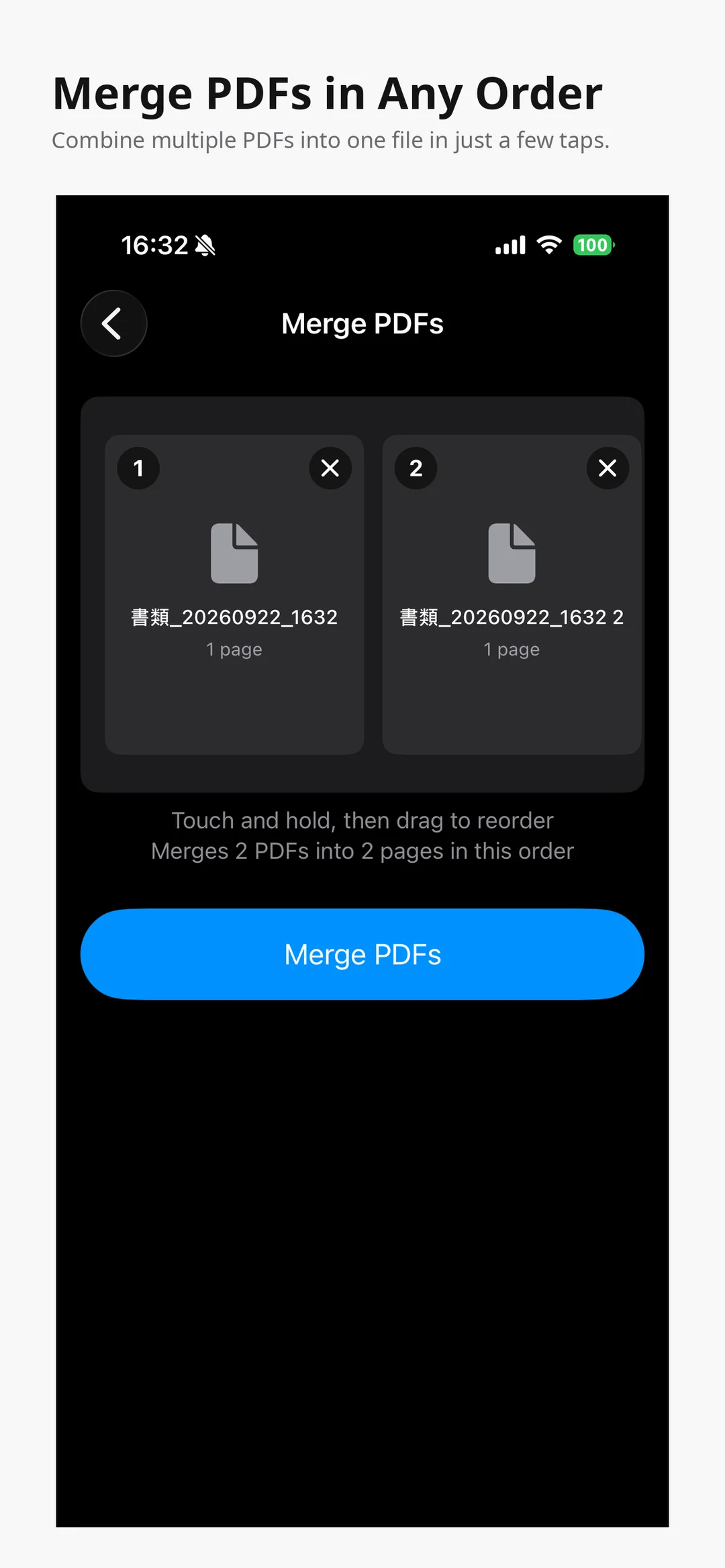
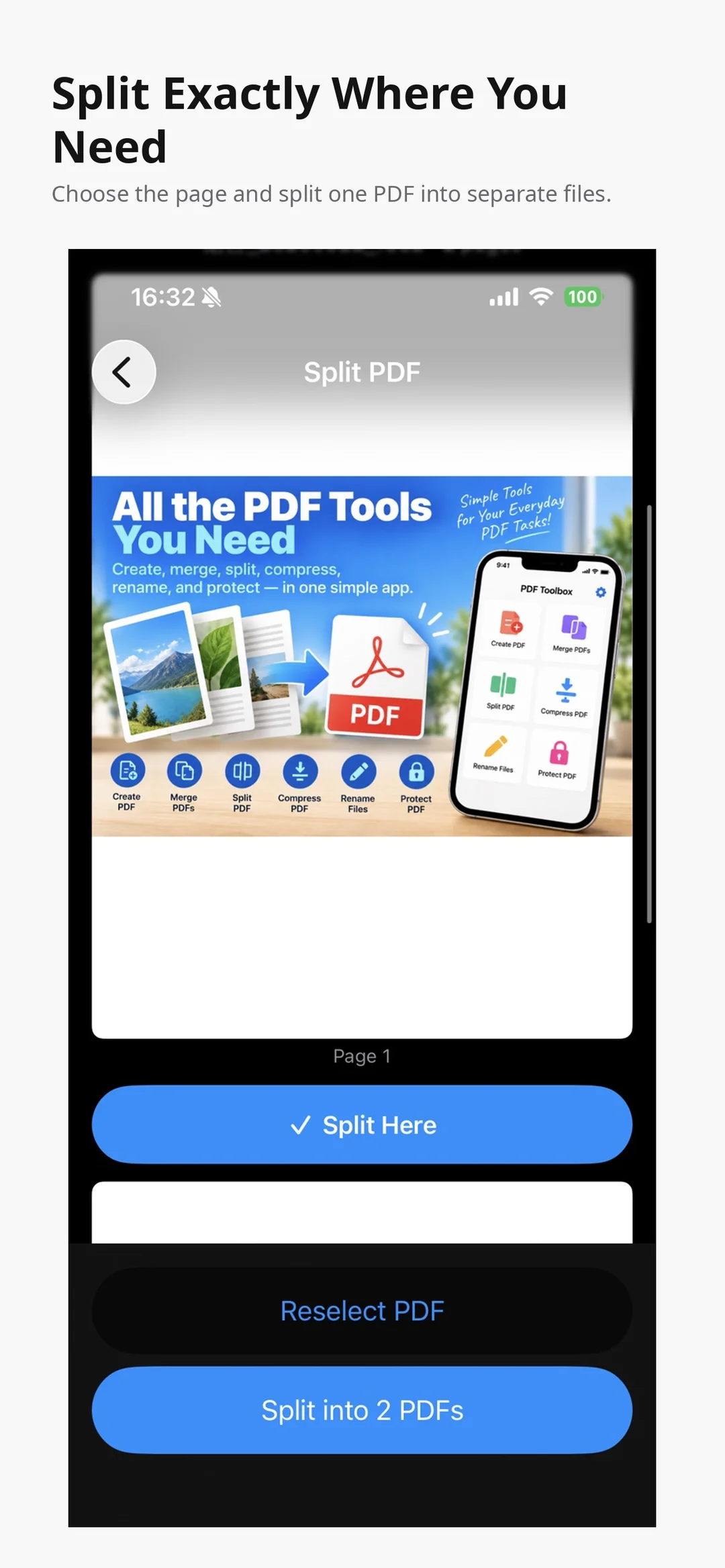
Merge and split
Combine several PDFs into one, or split a PDF at the pages you choose.
Compress
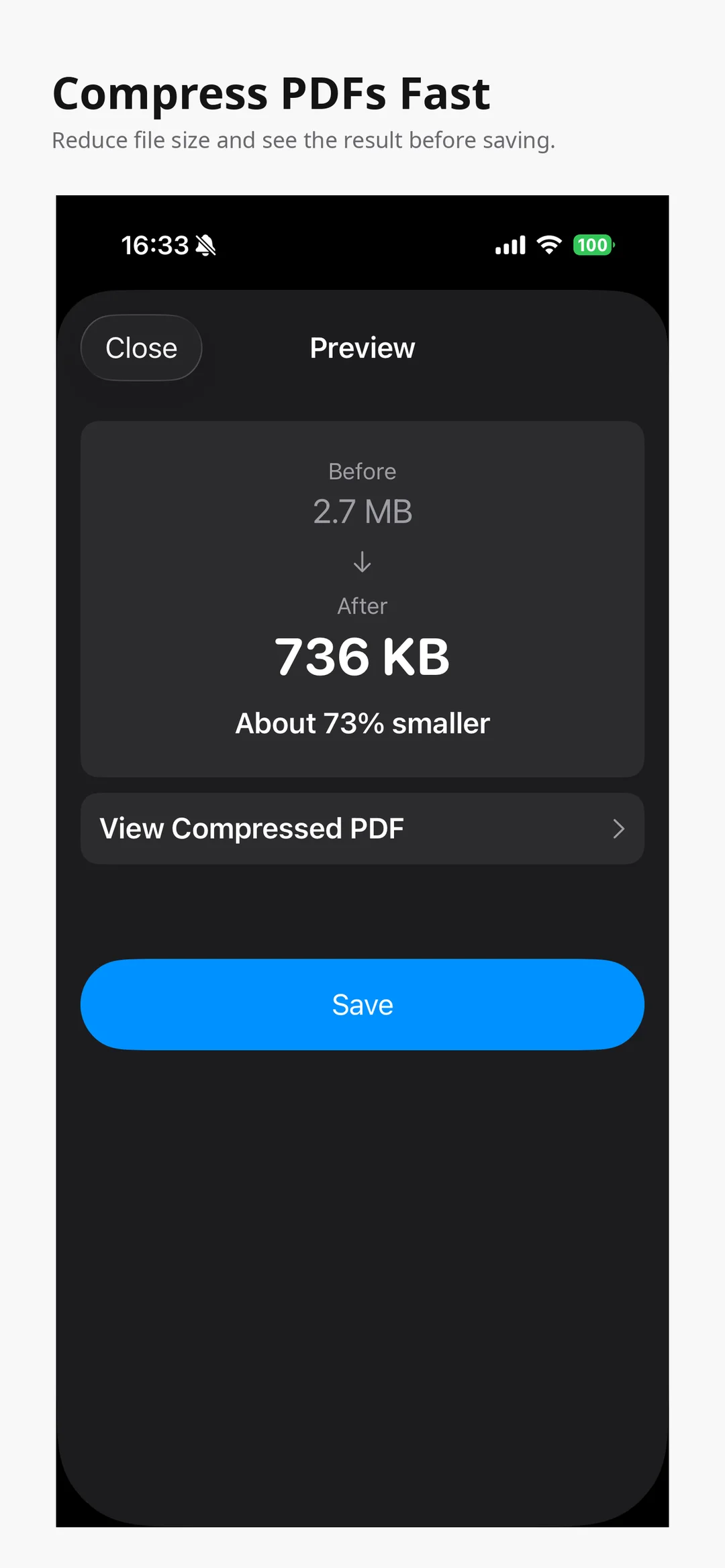
Reduce PDF file size and see the result before saving.
Protect
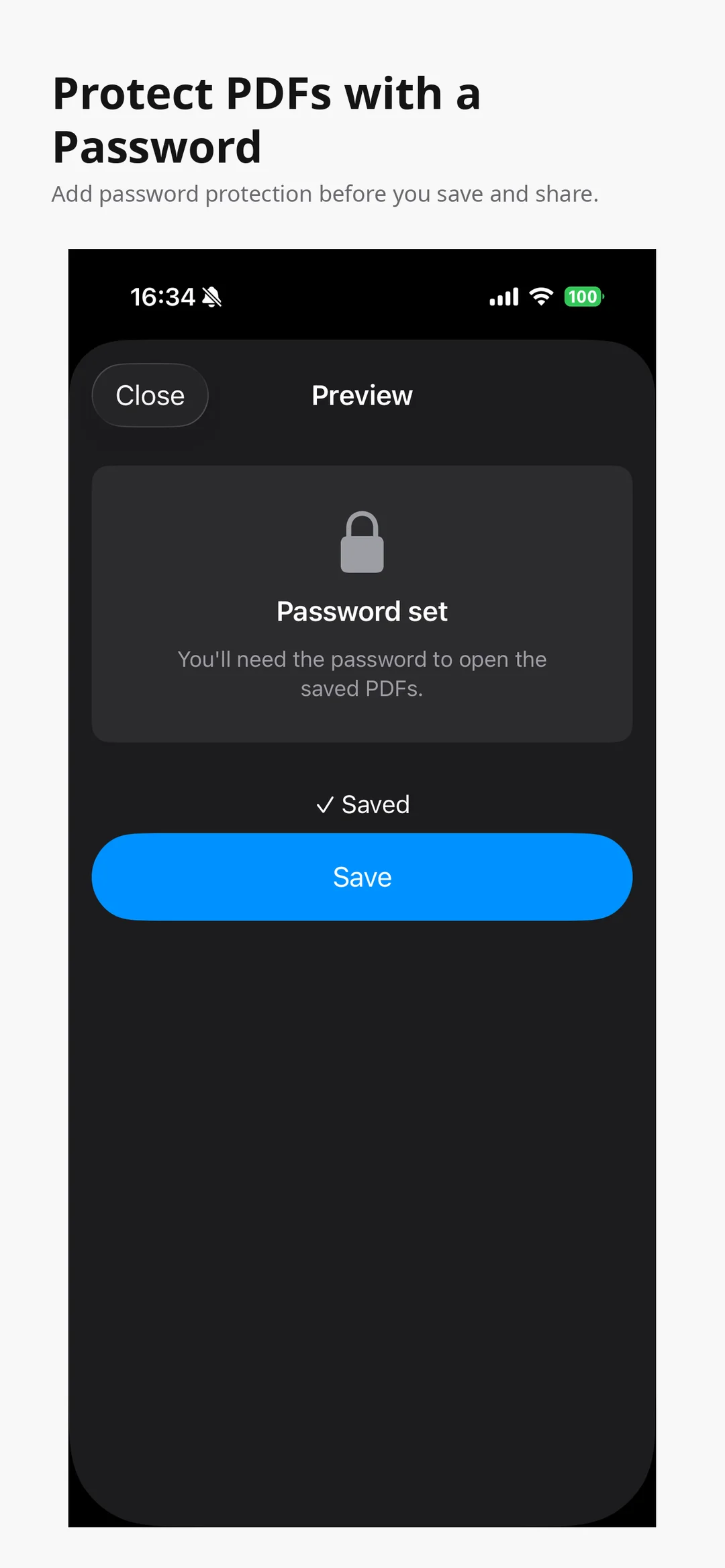
Add password protection to a PDF.
Rename
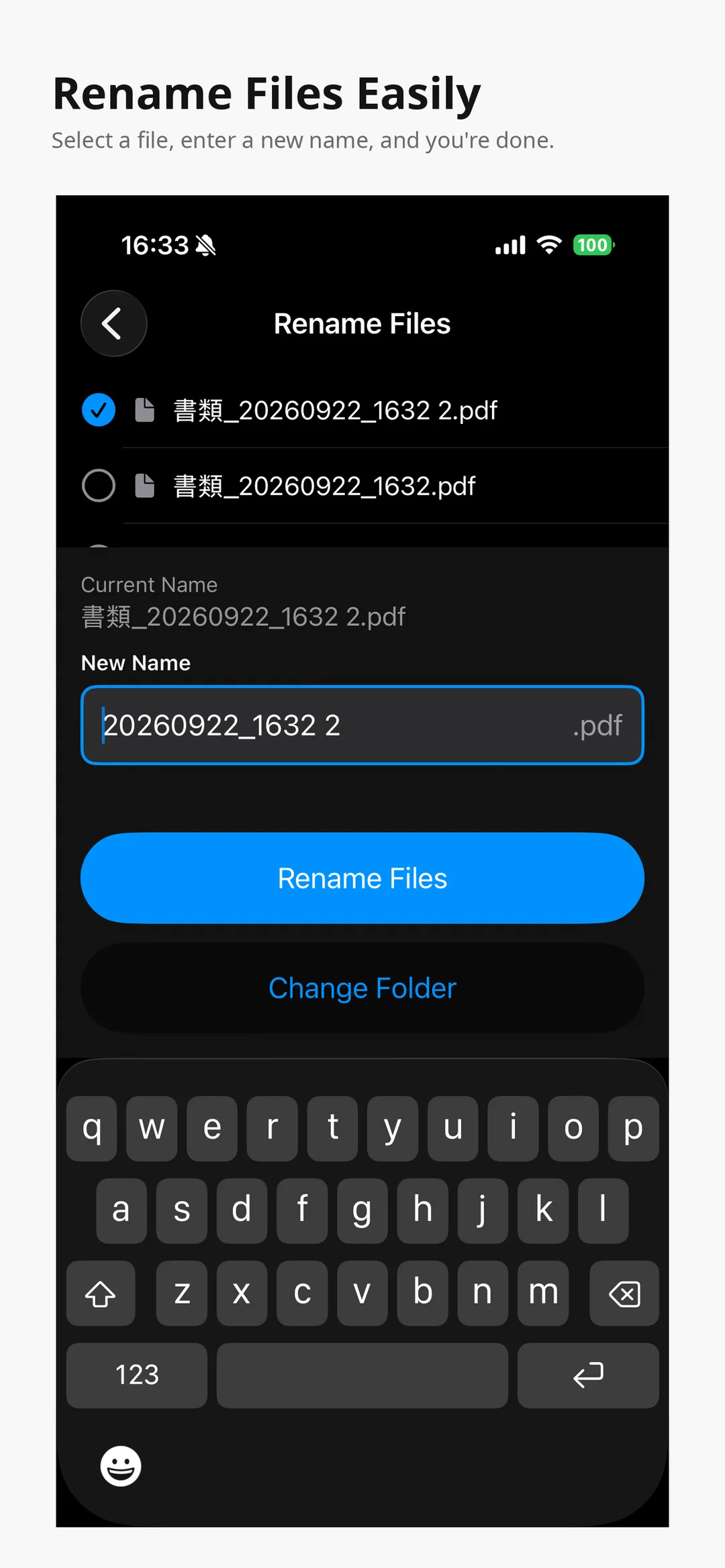
Rename files quickly, right on your iPhone.
Good for
- Turning photos of documents into a PDF
- Combining several PDFs before sending them
- Pulling specific pages out into a separate PDF
- Making a PDF small enough to email
- Adding a password before sharing a file
Questions
Where are my PDFs processed?
As stated on the App Store, core PDF processing is performed on your device, and no external AI services are used.
Do I need an account?
No account is required.
How much does it cost?
$3.99 as a one-time purchase. There are no ads, subscriptions, or in-app purchases.
Which devices are supported?
It works on iPhone, running iOS 17.6 or later.
How it works
Click or tap to enlarge

PDF Toolbox Edit & Manage PDFs
Everyday PDF tasks, all in one app.
View on the App Store(external site)Prices shown are from the US App Store and may vary by country.


