
Photo Compressor to KB/MB Compress photos to a smaller file size
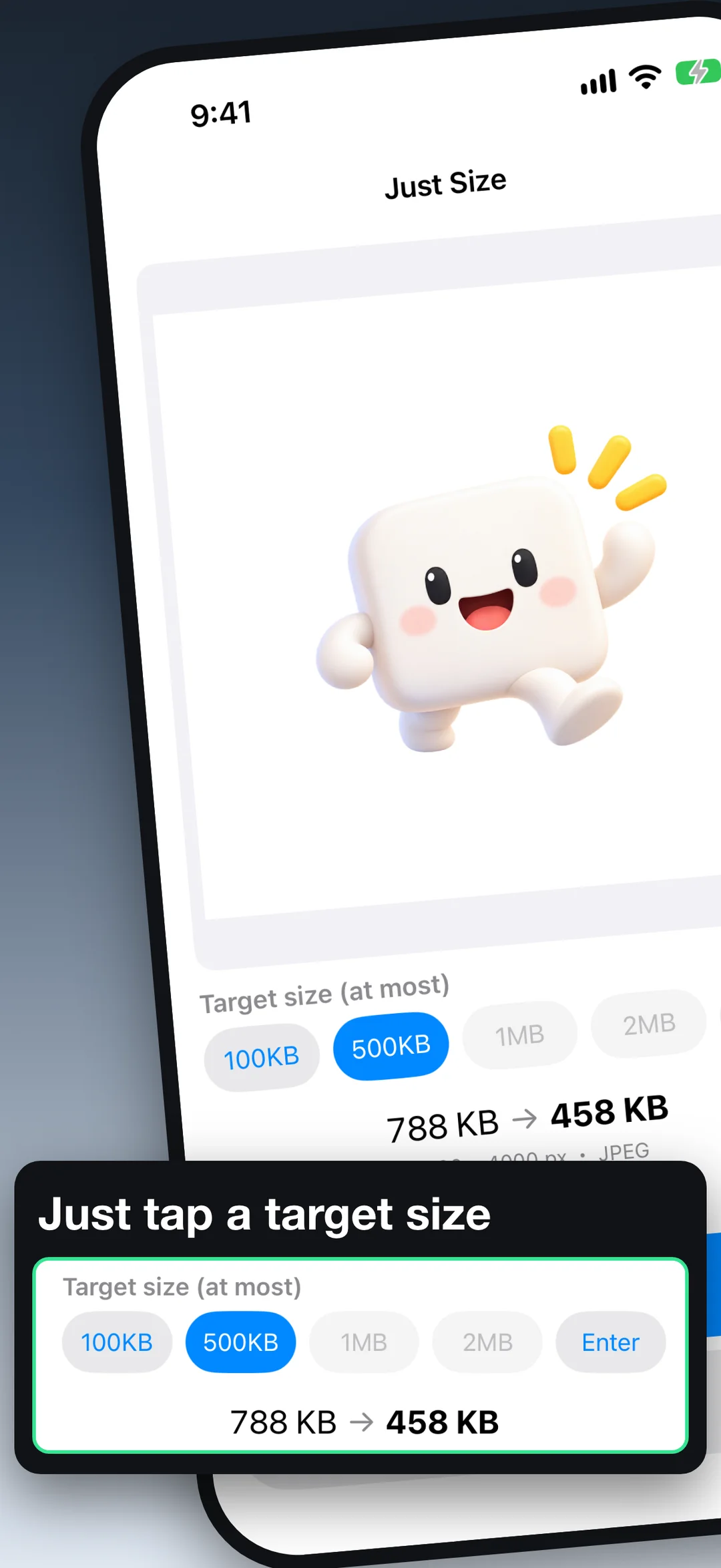
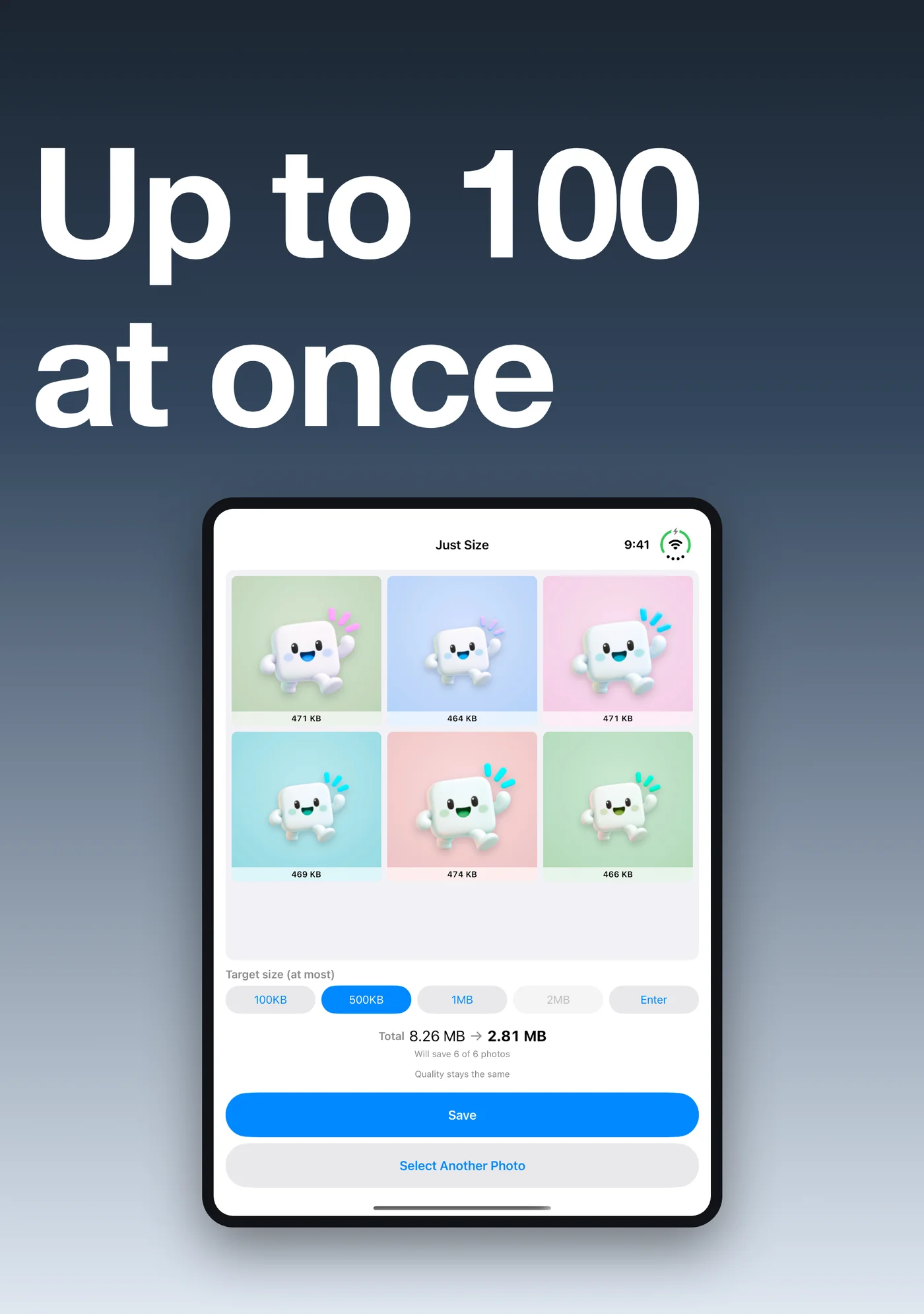
Told to submit a photo under 1MB or 500KB? Just tap 100KB, 500KB, 1MB or 2MB, or enter any size you like, and the photo is compressed to that size or less. Before saving, you see the compressed size and a quality guide such as “Quality stays the same” at a glance.

No ads. No in-app purchases.
Optimized for iPhone Duo: easy to use open or closed, in portrait or landscape.
Also works on iPad and Mac.
- Price
- $3.00 (one-time purchase)
- Devices
- iPhone and iPad and Mac
- Requires
- iOS 17.6 or later, macOS 14.6 or later
- Category
- Photo & Video
- Privacy
- Data Not Collected
- Languages
- English, Dutch, French, German, Italian, Japanese, Korean, Polish, Portuguese, Simplified Chinese, Spanish, Swedish, Traditional Chinese, Turkish
What Photo Compressor does
One tap to your target size
Choose 100KB, 500KB, 1MB or 2MB. The app automatically finds the highest quality that fits within the target.
Any size with “Enter”
Set your own target, like 300KB, in KB or MB.
Size and quality before saving
See the original size, the compressed size and a guide such as “Quality stays the same” before you save.
Width and height stay the same
Normally only the quality is adjusted. Only if that isn’t enough is the photo scaled down slightly, keeping its aspect ratio.
HEIC saved as JPEG
HEIC photos are converted and saved as JPEG, so you can upload them even to websites that only accept JPEG.
Remembers your last size
Your last target size is used automatically for the next photo.
When to compress a photo
- Submitting a photo under a limit like “1MB or less” on an application or entry form
- Bringing a résumé photo down to the required file size
- Making photos smaller before sending them as an email attachment
- Reducing the file size before uploading to a blog or website
Questions
Does it change the photo’s width and height?
Normally no. Only the quality is adjusted. If that isn’t enough to reach the target, the photo is scaled down slightly, keeping its aspect ratio.
Does it work with HEIC photos?
Yes. HEIC photos are converted and saved as JPEG. Images with transparency aren’t supported.
How much does it cost?
$3.00 as a one-time purchase. There are no ads, subscriptions, or in-app purchases.
Which devices are supported?
It works on iPhone and iPad and Mac, running iOS 17.6 or later, macOS 14.6 or later.
Does it work on iPhone Duo, the foldable iPhone?
Yes. Photo Compressor is an app optimized for iPhone Duo. It’s easy to use on the big inner screen or the outer screen, in portrait or landscape.
How to reduce a photo’s file size
Click or tap to enlarge
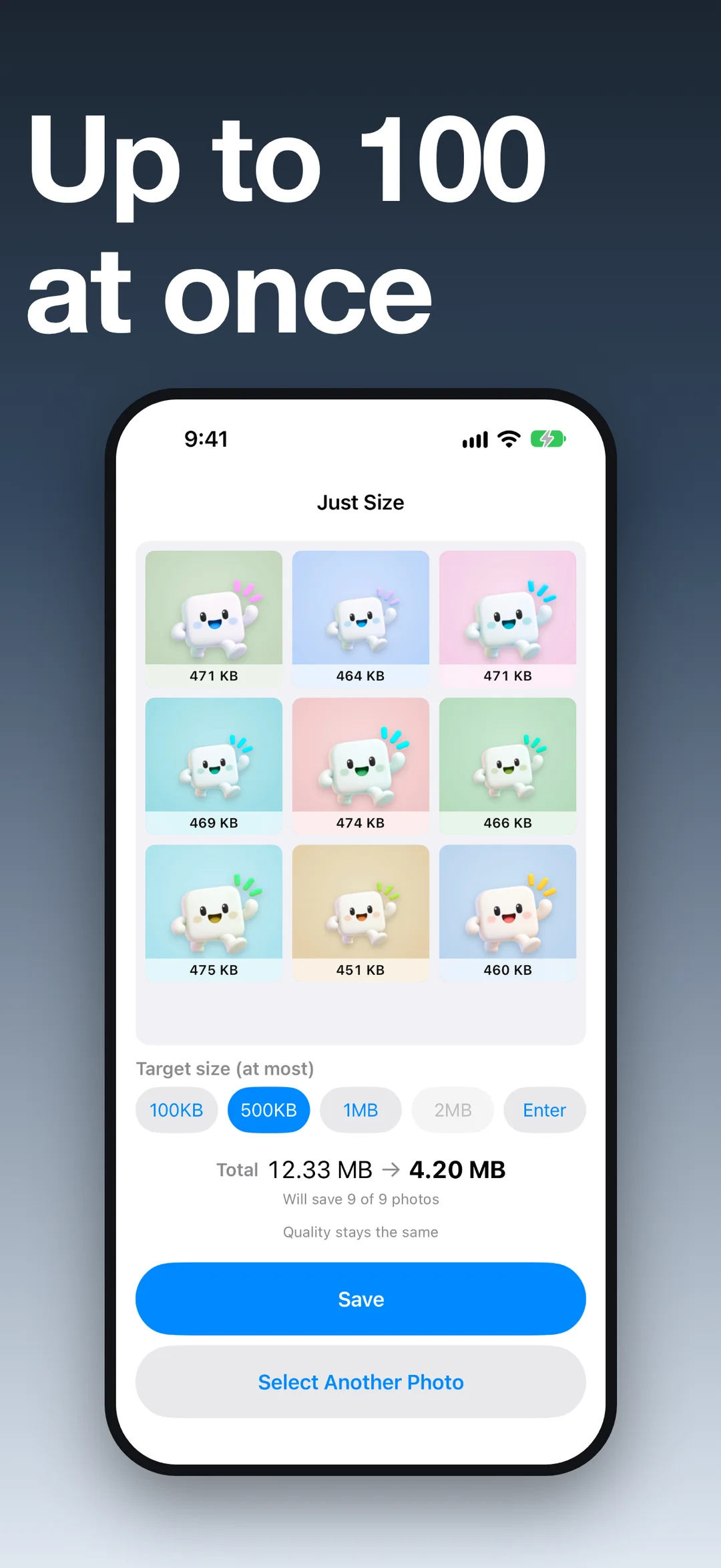
- Tap “Select Photo” and pick a photo.
- Tap a target size: ≤100KB, ≤500KB, ≤1MB or ≤2MB. The photo is compressed right away. (Buttons for sizes larger than the photo can’t be tapped.)
- For any other size, tap “Enter” and set it in KB or MB.
- Check the compressed size and the quality guide, then tap “Save”.
Optimized for iPhone Duo
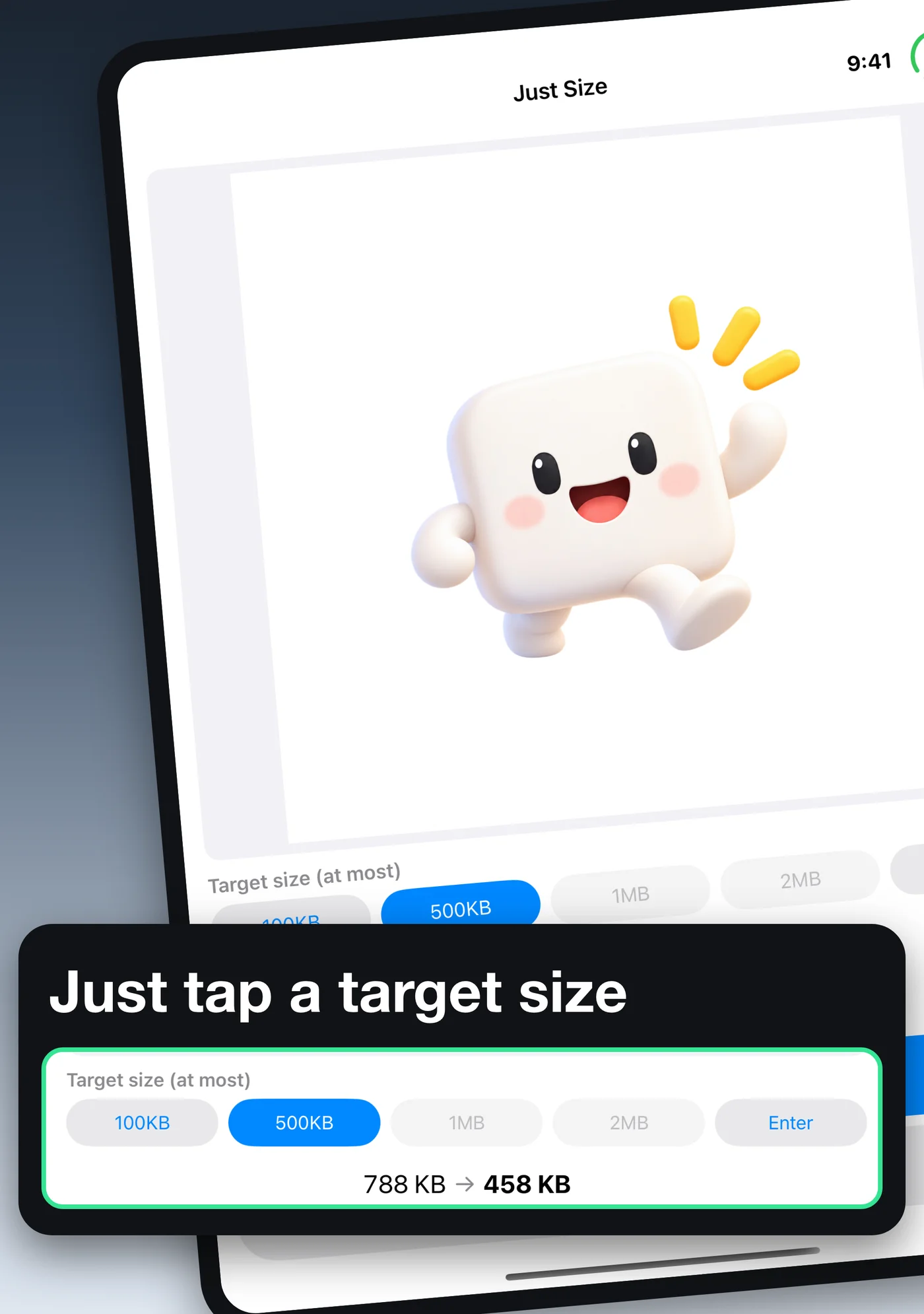
The layout is optimized for the large inner screen of an open iPhone Duo.
SQUARE PICK
Square tries Photo Compressor
I use this one!


Photo Compressor to KB/MB
Just tap a target size to make a photo lighter.
View on the App Store(external site)Prices shown are from the US App Store and may vary by country.
Want all eight apps? Get Dake Apps Complete ($9.99)(external site)


