
Add Margins to Photos Add borders and space around photos
Fit a photo into a new aspect ratio without cutting anything off. Pick a ratio, set the margin size and color, and save.

No ads. No in-app purchases.
- Price
- $0.99 (one-time purchase)
- Devices
- iPhone
- Requires
- iOS 17.6 or later
- Category
- Photo & Video
- Privacy
- Data Not Collected
What it does
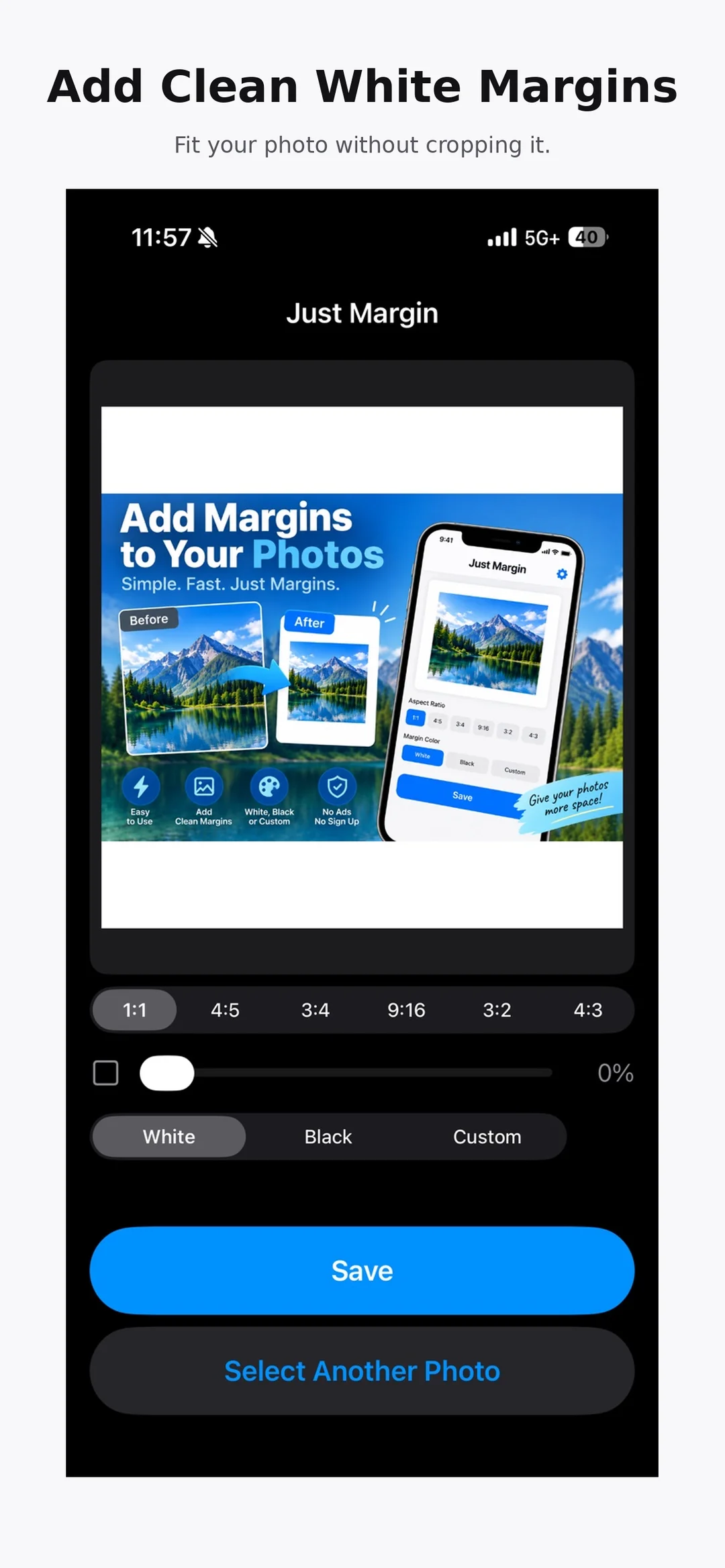
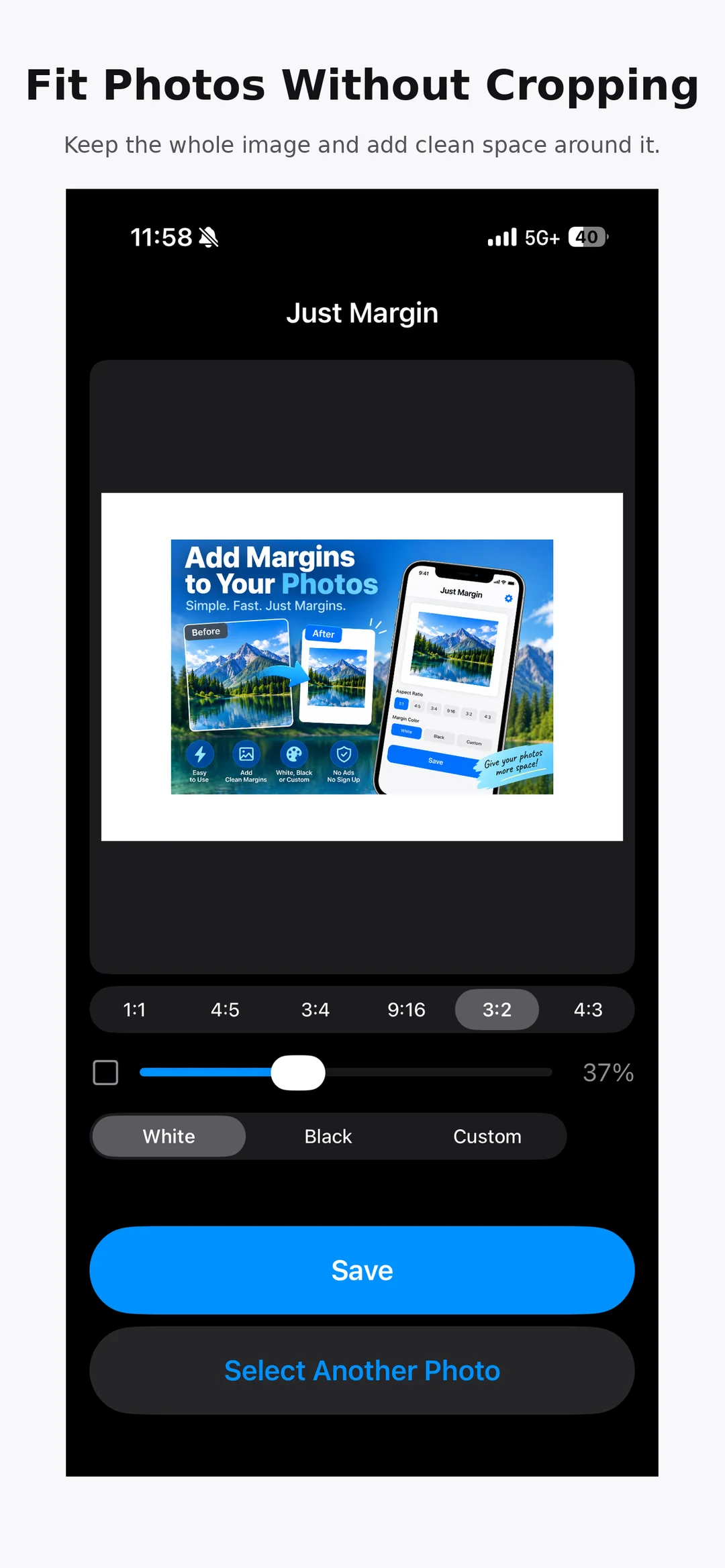
No cropping
Your whole photo stays in the frame. Margins fill the rest.
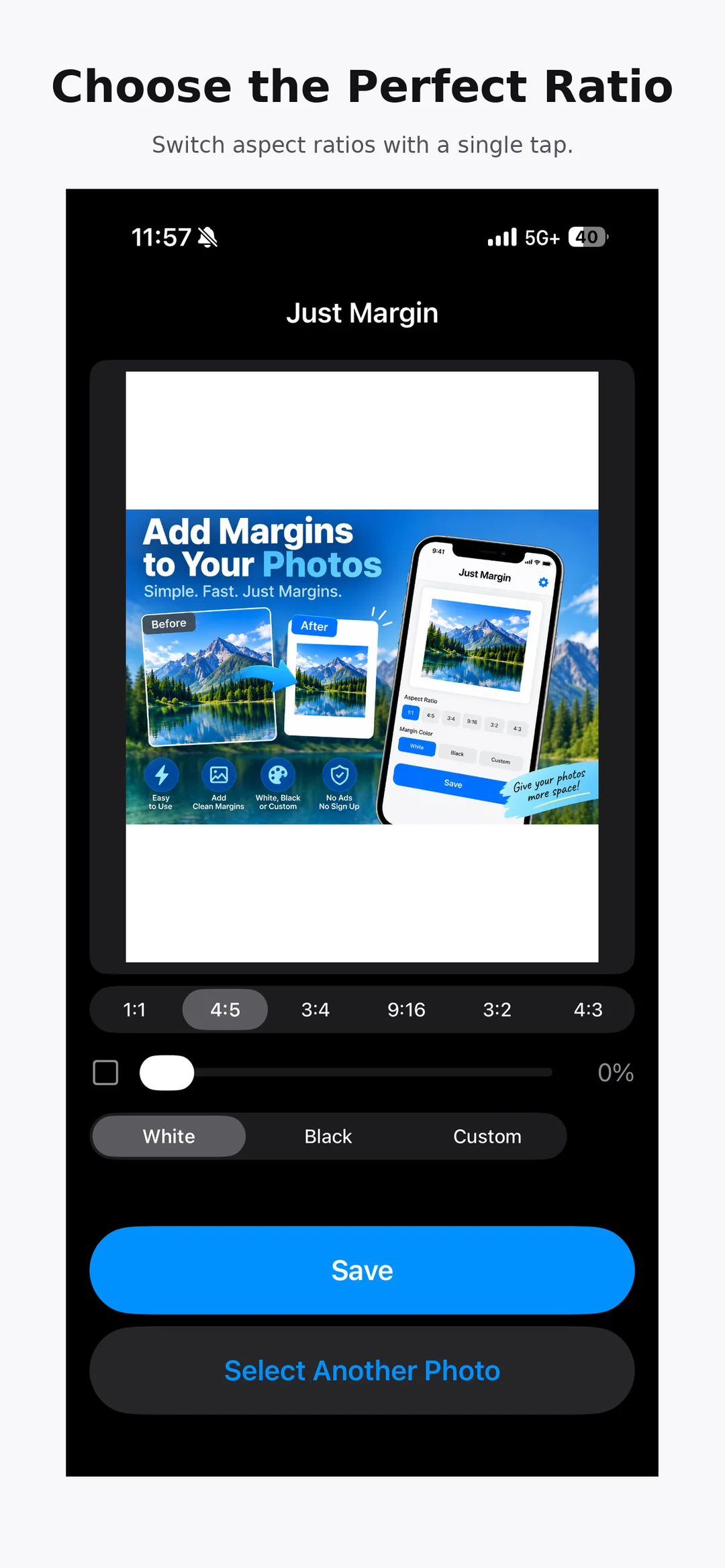
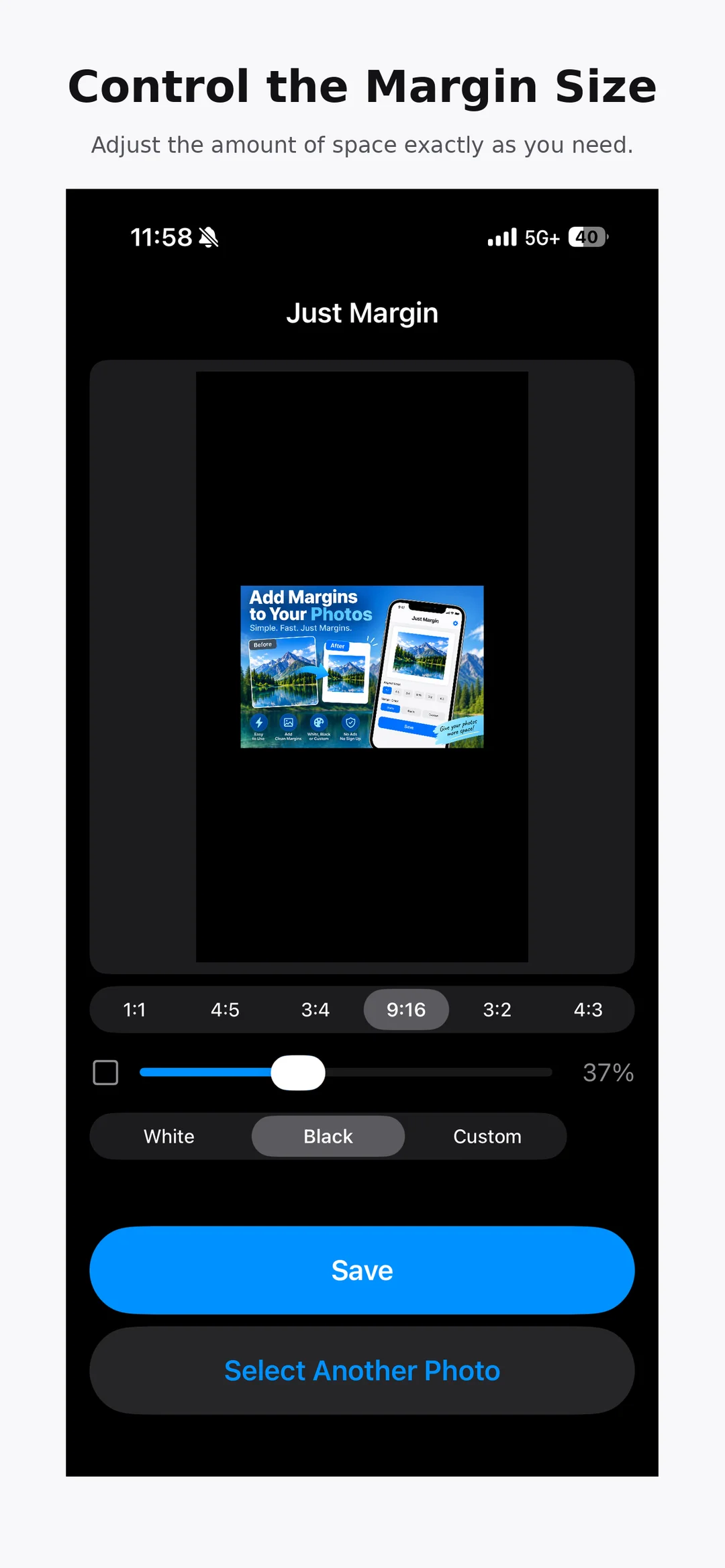
Six aspect ratios
Choose 1:1, 4:5, 3:4, 9:16, 3:2, or 4:3.
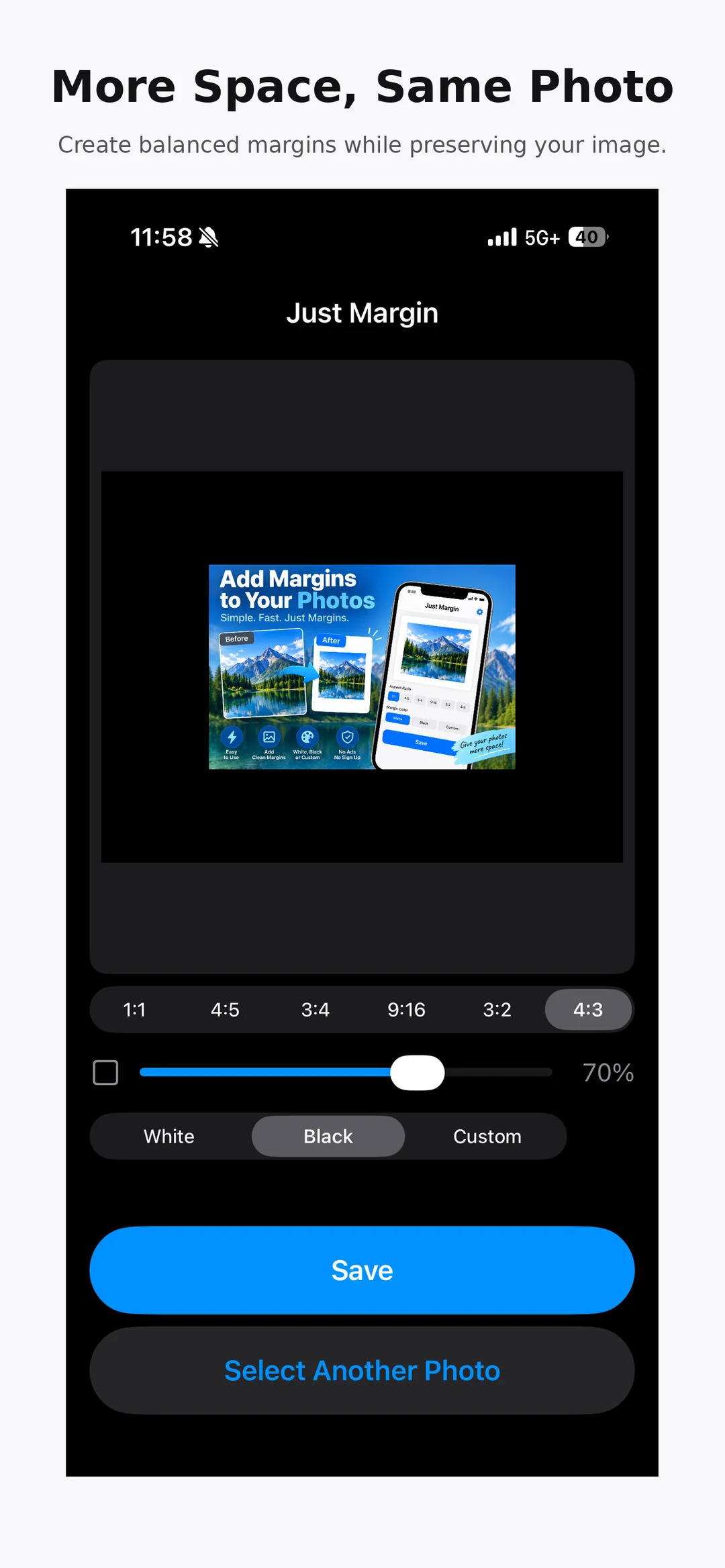
Adjustable margin size
Use the slider to add a little space or a lot.
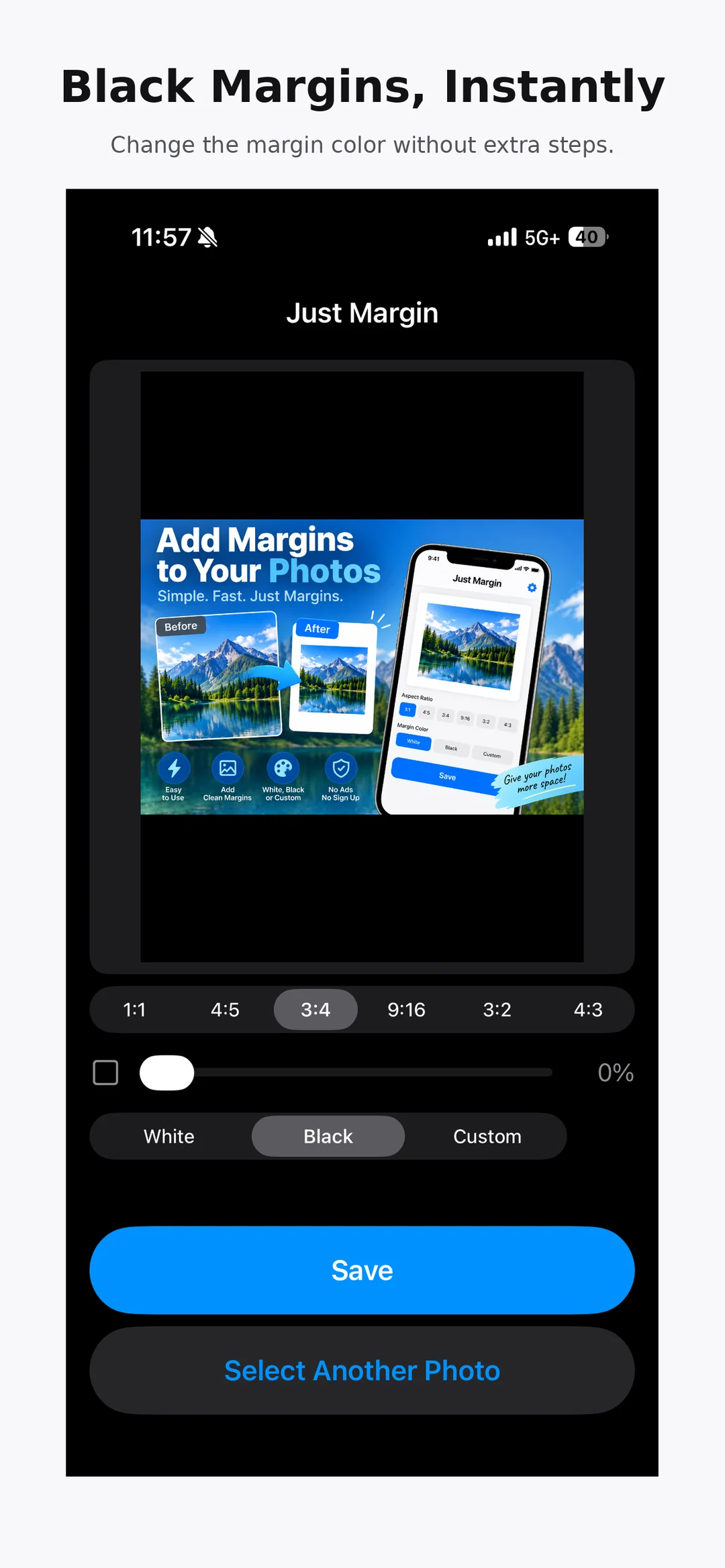
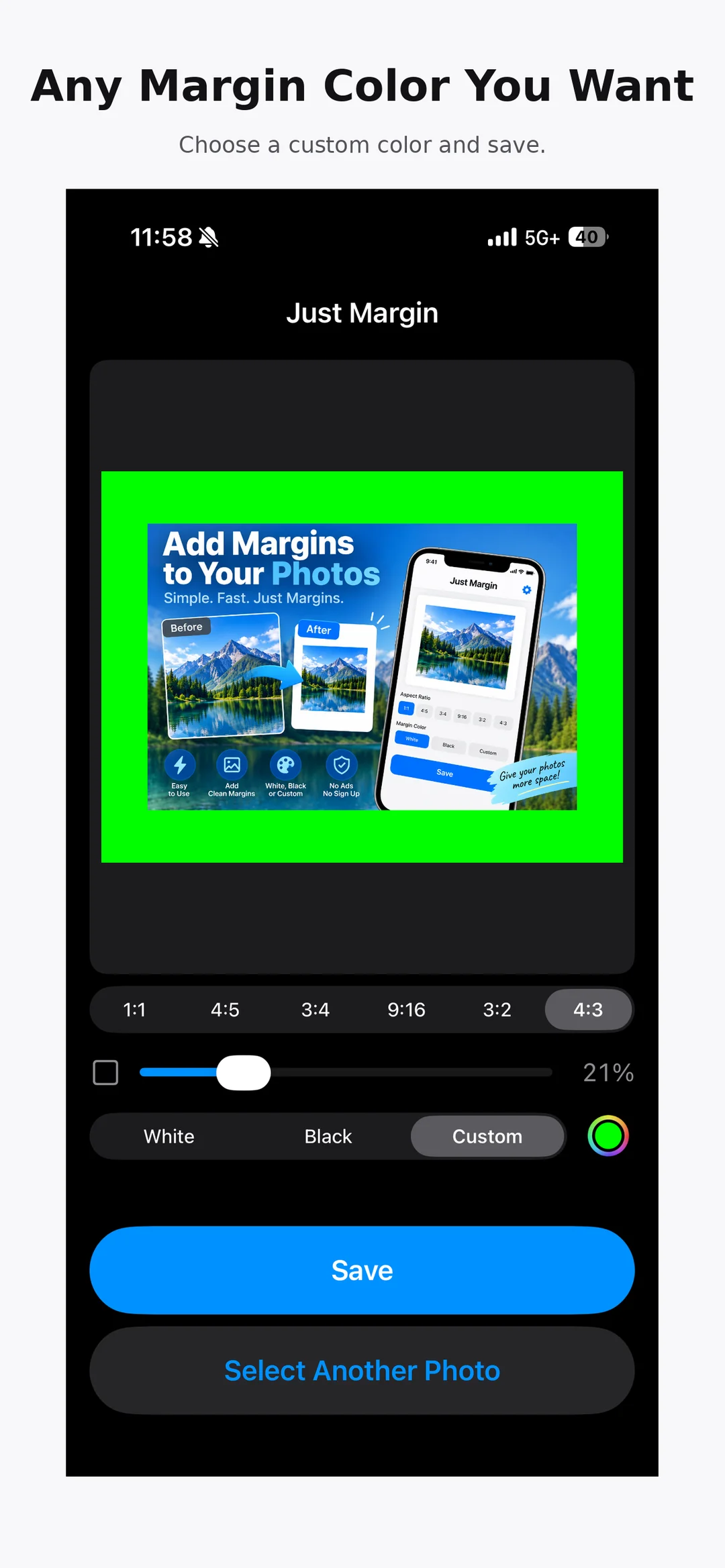
White, black, or any color
Pick a preset or choose a custom margin color.
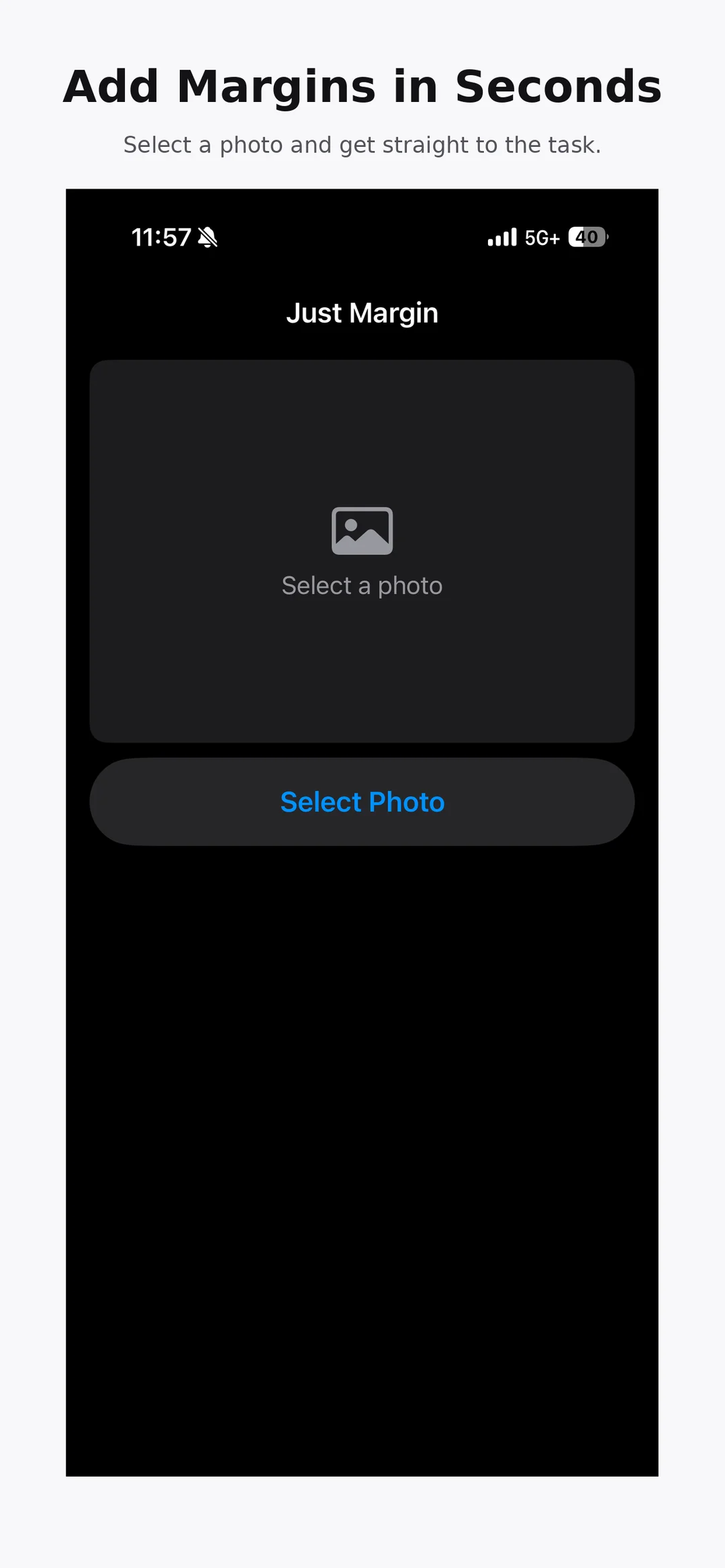
Preview, then save
Check the result and save it straight to Photos.
Good for
- Adding a clean white border around a photo
- Posting a full photo to Instagram at 1:1 or 4:5 without cropping
- Fitting a tall or wide photo into a fixed aspect ratio
- Giving profile pictures or artwork a little breathing room
Questions
Will any part of my photo be cropped?
No. The app adds space around your photo instead of cutting it, so the whole image stays visible.
Can I change the margin color?
Yes. Choose white, black, or any custom color.
How much does it cost?
$0.99 as a one-time purchase. There are no ads, subscriptions, or in-app purchases.
Which devices are supported?
It works on iPhone, running iOS 17.6 or later.
How it works
Click or tap to enlarge

Add Margins to Photos
Add a border without cropping. That’s it.
View on the App Store(external site)Prices shown are from the US App Store and may vary by country.


